Language
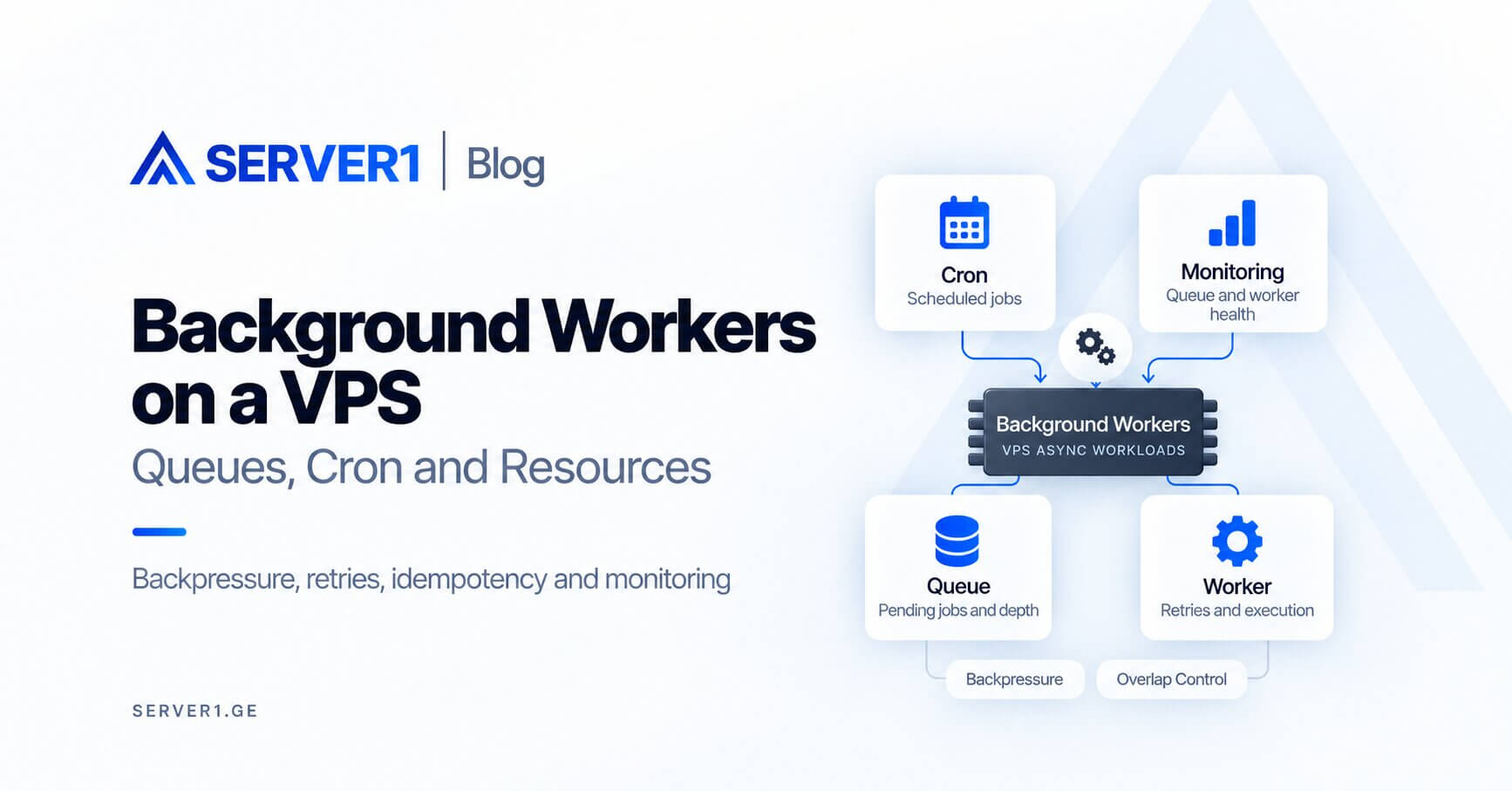
Background workers and scheduled jobs are a natural VPS workload, but they need resource boundaries so they do not starve user-facing requests. One runaway queue job, large import or overlapping cron task can consume CPU, memory or database connections and make the site slow.
Web and async are different workloads
| Web request | Background job |
|---|---|
| a user is waiting | can often wait in a queue |
| latency is critical | throughput may matter more |
| short execution preferred | may run for minutes |
Workers need supervision
A worker started manually in an SSH session is not a production process model. Use systemd, Supervisor or an appropriate process manager so crashes are handled and logs are retained predictably.
the Laravel hosting guide provides a useful worker-and-scheduler example. the server-management article explains why monitoring and ownership are ongoing operational work.
Three cron failures worth designing out
- a previous run is still active when the next starts;
- the job has no useful timeout or resource boundary;
- failure reaches a log but never reaches a human.
Protect the user-facing workload
- increase worker concurrency only after measurement;
- schedule large imports away from peak traffic;
- control database connection pools and limits;
- monitor queue depth and oldest-job age;
- design jobs for safe retry where possible.
When should workers move to another VPS?
Separate them when asynchronous demand scales independently, CPU-heavy jobs damage web latency, or deployment policies diverge. Before that, one VPS is often sufficient. If your team owns Linux operations, Unmanaged VPS offers maximum flexibility.
A queue removes heavy work from the request path. It should not simply move the bottleneck into another process on the same server.
If you want to reduce on-call and process-supervision overhead, compare Managed VPS. Application-level worker logic still remains part of your codebase.
Backpressure: a queue is not an infinite buffer
If producers create 1,000 jobs per minute while workers complete only 600, the queue will grow indefinitely. Simply adding workers can then overload the database or an external API. You may need backpressure: reduce producer rate, shrink batch size or add capacity deliberately.
Without a retry strategy, a transient failure can become an incident
| Scenario | Poor reaction | Better approach |
|---|---|---|
| API temporarily unavailable | infinite immediate retries | exponential backoff + retry limit |
| invalid payload | retry forever | fail/dead-letter + investigation |
| payment-like operation | blind retry | idempotency key/state check |
| large import | one huge job | smaller resumable batches |
What belongs on the operations dashboard?
- queue depth;
- age of the oldest pending job;
- jobs completed per minute;
- failure and retry rate;
- worker CPU/RAM;
- database connection usage;
- external API latency when jobs depend on it.
Scheduled jobs need overlap control
If a task runs every five minutes but occasionally takes eight minutes, overlapping executions are inevitable unless you implement a lock or single-run policy. The same applies to backups, imports and report generation. A cron schedule should always be considered together with real execution duration.
More precise criteria for moving workers to another VPS
- worker CPU peaks repeatedly correlate with higher web latency;
- async demand scales independently from web traffic;
- worker deployment cadence differs from the web application;
- jobs require different security or network access;
- you want a smaller blast radius for worker incidents.
A separate VPS is not the first fix. Get queue semantics, retries, idempotency and monitoring right first. A badly designed job remains badly designed on a second server.