Language

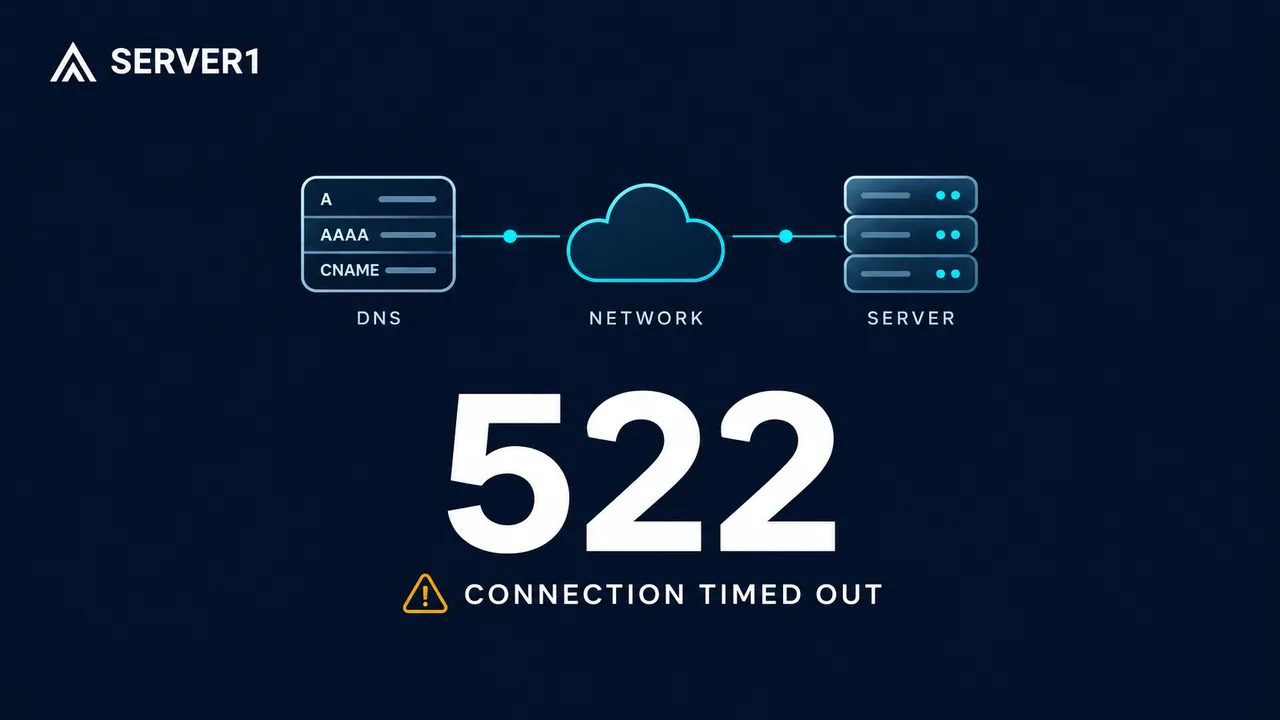
Cloudflare Error 522 means the connection between Cloudflare and the website's origin server timed out. Start by finding which part of that connection failed. Buying a larger VPS, clearing every cache or repeatedly submitting a form does not identify the cause.
This guide is for website owners and administrators of hosting, VPS and dedicated servers. If you are visiting someone else's website, record the time and the error's Ray ID, if shown, and contact the site owner. If the error appeared after payment, check the order or payment status before trying again.
First, separate the symptom from the cause
The origin is the server behind the proxy. A working browser-to-Cloudflare connection does not prove that Cloudflare can reach that server. According to Cloudflare's 522 documentation, the timeout can occur while establishing TCP or while waiting for the origin to acknowledge the request. That is different from 524, where the connection succeeds but an HTTP read or write exceeds its timeout.
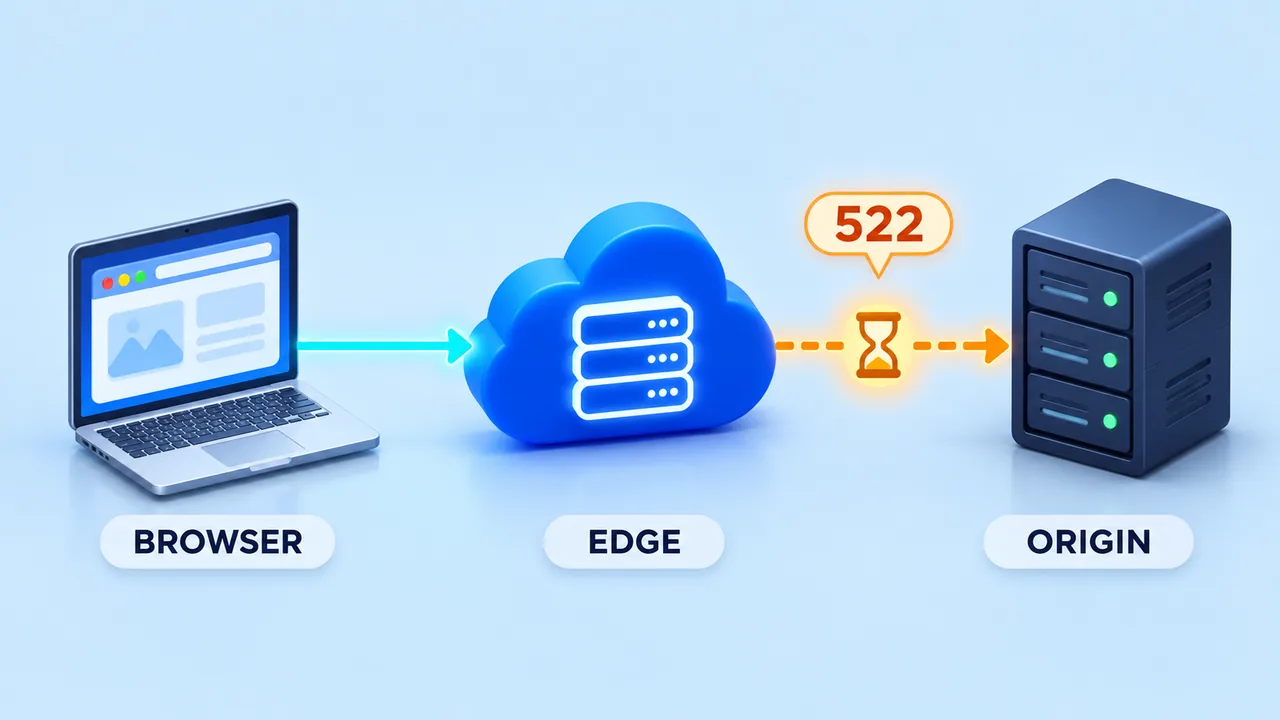
Do not diagnose an incident from the error number alone. “The server looks fine now” and “the page failed earlier” can both be true. A short resource spike, a temporary network problem or a rule affecting only some proxy addresses can disappear before an administrator opens a dashboard.
Create a small incident record before changing anything
- Record the full hostname, affected path, error code, Ray ID and exact time with timezone. Remove tokens and personal data from URLs before sharing them.
- Note whether the homepage, one application route or several websites failed. Record the first and last observed failure.
- List recent changes: origin migration, DNS edit, firewall update, application release or scheduled backup.
- Keep one successful request and one failed request as a comparison. Avoid repeated refresh loops and automated load tests.
This worksheet gives the hosting provider something specific to investigate. A screenshot without a timestamp can show the symptom, but cannot reliably connect it to a server log. Use UTC or include your local offset; do not silently compare dashboards set to different timezones.
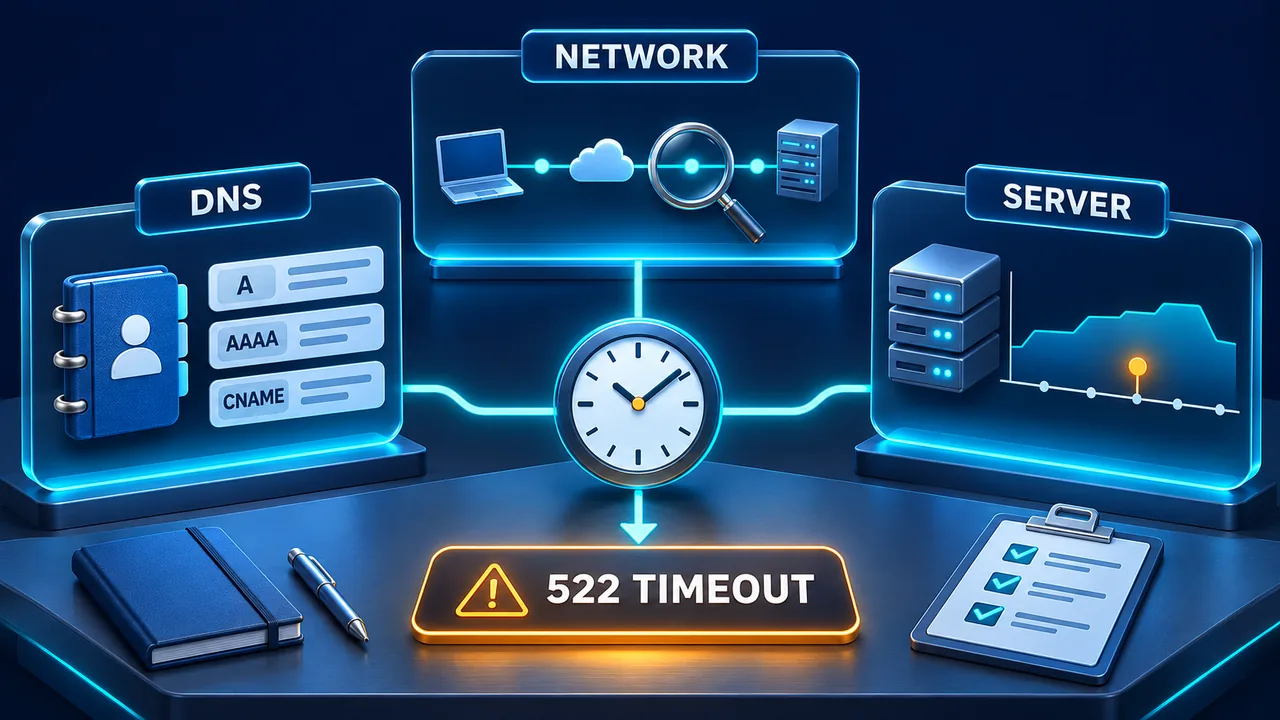
Check three boundaries in order
1. Does the hostname point to the intended origin?
Read the DNS record in the authoritative provider's dashboard and compare its configured target with the hosting configuration. Check both A and AAAA records where present. A stale target after migration is a different problem from an overloaded application. Public DNS for a proxied hostname normally returns Cloudflare addresses, so it cannot by itself confirm the private origin value. See Cloudflare's explanation of proxy IP addresses.
If the incident followed a migration, use our hosting and business-email DNS checklist. Changing a website record should not accidentally move MX records, mailbox delivery or unrelated subdomains.
2. Can the expected network path reach the web service?
Ask the administrator to inspect firewall and connection-limit logs for the incident window. Match a rejected source to the current official Cloudflare address ranges before proposing a narrow correction. Keep restrictions for unrelated ports and services. A rule based only on a visitor's User-Agent string does not establish that a request came from Cloudflare.
A failed ping is not sufficient evidence that HTTPS is unreachable: a server may intentionally ignore ICMP. Conversely, one successful request from your laptop does not prove every Cloudflare-to-origin path works.
3. What was the server doing at that moment?
Read service status, web-server errors and resource history. Compare worker queues, available memory, disk latency and connection counts with the failed request times. A single CPU percentage is not an upgrade decision. Our Linux VPS monitoring guide explains the distinction between CPU use, I/O wait and load. If a process vanished, also check the OOM diagnosis guide.
A controlled request comparison for administrators
Only test a hostname and origin you are authorized to access. Choose a known public, read-only page. The following placeholders must be replaced with verified values;192.0.2.10is an example address, not a SERVER1 endpoint.
curl --connect-timeout 10 --max-time 30 -I \
  https://example.com/

curl --connect-timeout 10 --max-time 30 -I \
  --resolve example.com:443:192.0.2.10 \
  https://example.com/
curl's --resolve option changes the destination for this request while retaining the hostname. These commands use HEAD, which some applications handle differently from GET. A 405 response is not proof of a connection failure. The 30-second limit is a local diagnostic choice, not Cloudflare's timeout.
Do not add-kto suppress certificate checks. A private origin CA requires its correctly trusted CA bundle. An origin intentionally restricted to Cloudflare may reject the direct probe; use the authorized access path and interpret that result accordingly. Do not publish the origin address or loosen the firewall to make a test pass.
Make the smallest correction the evidence supports
A wrong origin target calls for a verified DNS correction. A matching firewall rejection calls for a scoped rule review. Saturated workers call for application and capacity investigation. Each change needs an owner, a previous known value and a rollback plan. Check persistent-connection settings in the actual server configuration: Apache documents KeepAlive as a server or virtual-host directive. Adding a response header in .htaccess is not equivalent.
After the correction, repeat the same safe request comparison and inspect the affected paths over a representative period. Check that errors stop and that normal response times return. One successful page load is encouraging, but it does not validate login, checkout or payment processing. Those flows need their own authorized checks.
Choose support by responsibility, not by the error code
With web hosting, send the incident record to the provider before editing infrastructure. With Unmanaged VPS, establish who maintains the operating system, firewall and application. When comparing Managed VPS, confirm the actual management scope. A dedicated server can offer a different resource arrangement, but it does not automatically fix routing or filtering.
If you need help deciding where to investigate, contact SERVER1 with the time, hostname, affected paths and sanitized evidence. Never send passwords, session cookies or payment details in a public incident report.