Language

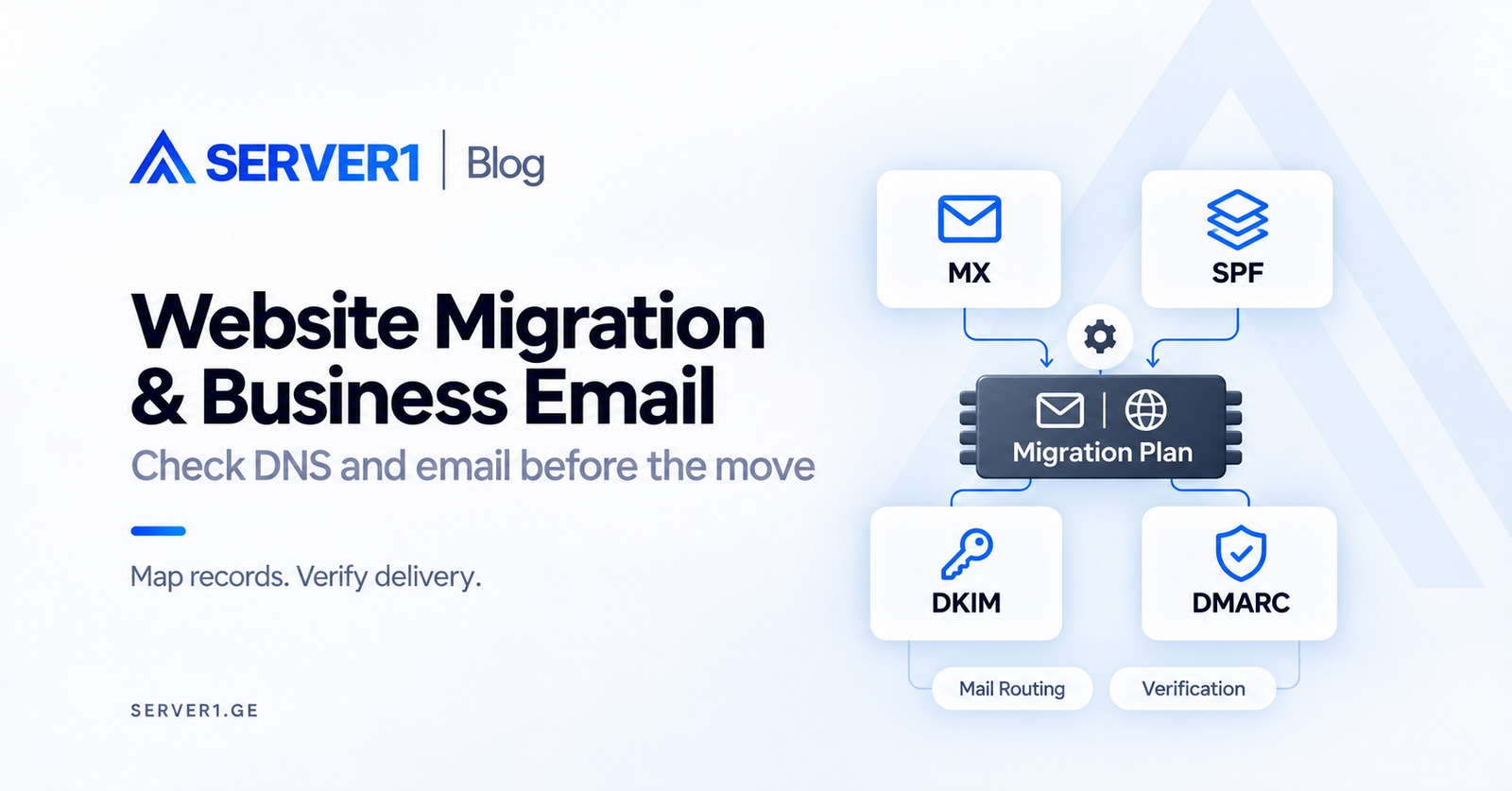
The website opens on its new server, but an employee message no longer reaches its destination. Declaring the migration complete would be premature. Web hosting and mail may belong to different providers, with a third system holding the DNS zone. A migration plan needs those boundaries from the start.
The day before: make an inventory
Identify who holds the registration, where nameserver delegation is configured, which platform serves the DNS zone and which provider hosts the mailboxes. Mark the website origin separately. Seeing several services in one control panel does not establish that they share the same technical authority.
List the responsible people and access owners. A developer may control DNS without having permission to migrate mailboxes. Keep credentials out of the worksheet; record the access owner and the agreed secure handover method instead.
Name the systems and the person responsible for each. Having access to the domain is ambiguous: it may mean only the registrar account, without any authority over the DNS zone. The hosting panel may manage site files while MX records point at a completely different supplier.
Record A/AAAA, CNAME, MX and mail-related TXT entries, including DKIM selectors. Add TTL, current value, purpose and whether each item actually needs to change. Preserve verification records used by other business services. Where available, keep a dated zone export as a recovery reference.
Before the change, keep a complete zone export or a record that can reconstruct every entry. A screenshot may not reveal the full value of a long TXT record. Pay particular attention to subdomains, third-party verification entries and DKIM selectors. Moving a website is not a reason to remove them.
Give email its own agreement
Decide in advance whether mailboxes move. If mail stays with the existing provider, that should be an explicit goal: change the web destination while preserving mail routing. If mailboxes also move, plan their volume, synchronisation, credentials and user devices separately. Copying historical messages and receiving new ones are different checks.
MX identifies the receiving mail service. SPF describes authorised senders for the relevant domain; publishing several separate SPF policies at the same name is not the correct approach. Splitting one TXT record into multiple character strings is a different matter.
DKIM verifies a domain-associated cryptographic signature: the public key is published in DNS while the private key stays secret. DMARC checks alignment of a passing SPF or DKIM identity with the visible From domain. Success in one mechanism alone does not establish every other requirement.
Inventory all legitimate senders, including staff mail, website forms, invoicing and marketing platforms. Do not introduce a strict DMARC policy without assessing those flows. Agree any policy change with the responsible mail provider rather than treating it as a routine website update.
The cutover window
The sequence below is an organisational example. Exact actions depend on the DNS provider, hosting and mail system in use. Separate each change from its verification and its condition for continuing. Several unverified changes across systems make the cause of a failure harder to identify.
- Check the new environment before changing DNS and retain the results.
- Perform the agreed final synchronisation and write-control plan.
- Change only the planned web or mail records; replacing the entire zone is a separate decision.
- Compare authoritative DNS and ordinary resolver responses; a temporary difference is not automatically an error.
- Run separate web and email acceptance tests before closing the change window.
Suppose the fictional example.com website runs on one host while its email is handled by a separate provider. Moving the website can require a new origin record while leaving MX unchanged. A nameserver change is not automatically required just because the website changes hosting.
The contact form's outgoing SMTP still needs checking. If it starts using the new server's local mail transport, the previous authentication setup may no longer describe the sending path. Use a verified sending service and follow its configuration instructions.
Do not accept the new host based only on its homepage. Check an important internal URL, an upload and an operation that writes to the database. Design the test so the two environments do not acquire conflicting live user data. For an active shop, the final synchronisation and write window require particular attention.
A working website is also a reason to check mail
Reducing TTL does not immediately invalidate responses already stored by resolvers. After an approved change, compare authoritative answers with the recursive resolvers used by relevant users. A correct answer on one device does not prove that every network has completed the transition.
If the mail provider also changes, agree an initial copy, a final synchronisation and a cutover time. Check aliases, forwarding, shared mailboxes and device SMTP/IMAP settings separately. Creating an empty mailbox does not transfer its message history.
Record incoming and outgoing email tests separately. Use an agreed test message to check exchange with an external address, the received authentication result and the SMTP account used by the website itself. A working employee mailbox does not prove that the website form has correct SMTP settings.
Define what returning actually means
Restoring a DNS record does not move messages already received elsewhere. The rollback plan should identify where new mail lives at each stage, who handles the final synchronisation and when the previous service can safely be cancelled. Do not delete the old data simply because the website loads correctly.
Rollback needs more than a time limit. If returning to the old environment would lose mail received or orders created in the new one, restoring a DNS address alone is insufficient. Decide in advance which system is authoritative, how changes will be reconciled and who makes the decision.
What should remain at handover
At handover, leave a short plain-language note: where the website runs, where mail stayed or moved, who manages the zone and which tests passed. List unverified items separately. The next colleague should not have to reconstruct which system the work was intended to change.
For a hosting migration, attach this inventory and explicitly define the mailbox scope. When choosing web hosting, confirm which work is included and which requires a separate agreement.
For selecting the environment after the move, see How to Choose Web Hosting for a Business Website: 7 Questions Before Price.
Technical background for DNS and mail authentication: IETF - SPF, RFC 7208; IETF - DKIM, RFC 6376; IETF - DMARC, RFC 9989.