Language

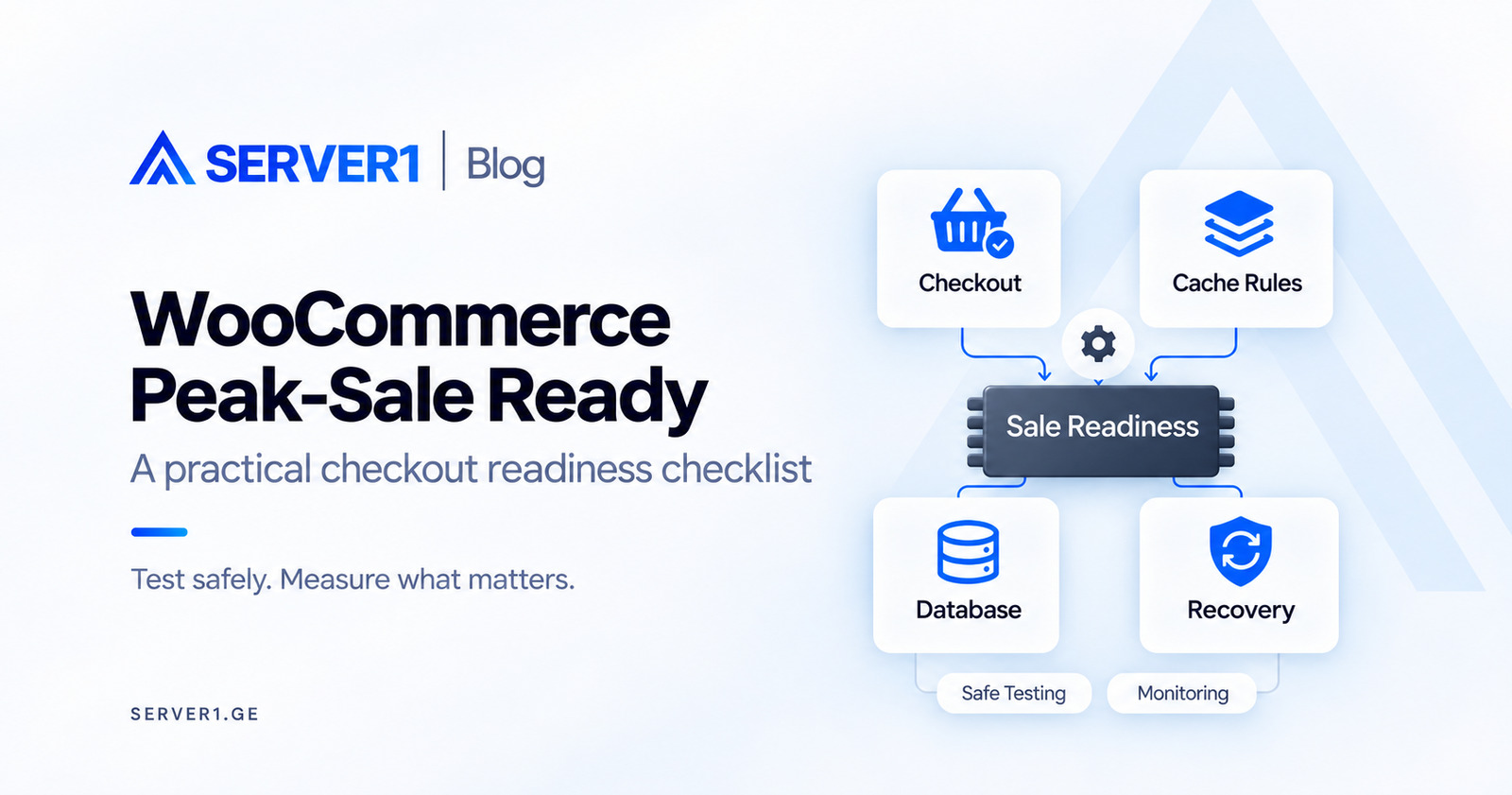
Before a sale starts, a shop can look reassuringly healthy. The homepage opens, products go into the basket and monitoring is green. The decisive moment comes later, when a customer submits an order and waits for a payment response. That journey deserves its own rehearsal.
Consider a hypothetical shop expecting more orders than usual during one evening. Asking how many visitors its hosting can support is only a starting point. The useful questions are how many purchases finish, where the journey breaks and who responds when an order becomes uncertain. This is an illustrative scenario, not a SERVER1 customer case study.
Test the shop at the point where an order finishes
List the important paths: a guest browses a product, selects a variation, applies a coupon, changes quantity, enters checkout and receives confirmation. A returning customer is a separate scenario because saved addresses, personalised pricing and sessions may behave differently.
Give each journey an observable outcome. Seeing a success screen does not by itself establish that payment status, stock and email agree. Check what happens after an interrupted response or repeated click, and make sure the investigation distinguishes an order already created from an operation that never completed.
Change the device as well as the test account. A journey completed on an office computer does not replace a test on a mobile connection. Try entering an address, selecting delivery and returning after an error. Hosting adjustments alone cannot recover the customer who has to enter everything again.
A fast catalogue is a useful start. A correctly completed order is the stronger evidence of readiness.
Give the cache a clear boundary
Cart, Checkout and My Account contain customer-specific information. Verify the relevant page-cache and CDN exclusions against your actual configuration. Turning caching off everywhere is not an automatic fix: public catalogue pages and personalised responses need different treatment.
Use two independent test sessions to confirm that one customer's cart never appears in the other session. Include login, logout, empty carts, coupons and product variations. Validate a changed cache rule in staging and release it through the normal controlled process.
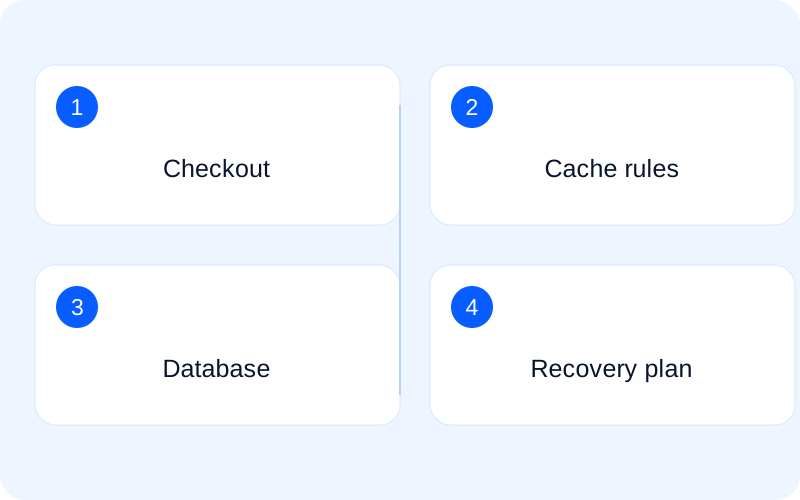
A rehearsal needs a decision: continue or stop?
Prepare a site copy and verify that its payment gateway is in sandbox mode. Check outgoing email, fulfilment, stock and CRM integrations too: another system may interpret a test order as genuine. Use authorised customer data only where necessary, and replace it with synthetic data wherever practical.
Keep staging out of public search and restrict access with authentication rather than relying on robots.txt alone. Before testing, ask the responsible team member to verify the hostname, payment mode and destination of outgoing notifications. An environment named staging is not proof that its integrations are isolated.
Save an ordinary-load baseline first. Higher-concurrency tests belong only in an authorised staging environment, with an agreed maximum and a stop condition. Do not direct an unapproved load test at shared hosting or infrastructure serving other customers.
At the end, compare the customer-facing response, the shop order status and the payment provider sandbox result. These are separate signals. A success page does not establish that every internal status is correct. A payment error should also leave a clear outcome rather than an ambiguous order the customer may accidentally repeat.
Write down a short decision: what was exercised, at what scale, what remains uncertain and what condition would stop the sale. Repeated ambiguous payment responses may matter more than a modest catalogue slowdown. Agree acceptable boundaries with the business owner and the technical person responsible before the event.
Sale night is a poor time for a new experiment
Suppose a fictional store expects 600 visits in an hour. An even distribution would average ten visits per minute, but this does not tell you the number of simultaneous users. Session length and requests per shopper matter. Several active checkouts can generate a different workload from many cached product views.
If browsing is fast but checkout slows down, inspect plugin calls, database work and payment-provider responses before choosing hardware. More RAM cannot remove an external service's delay. Assess a VPS when the measurements identify a concrete resource, isolation or administration requirement.
Set a change-freeze period and identify who can make decisions during the campaign. Check the backup's date and scope, then validate recovery safely. A complete database restore can remove genuine orders accepted after the backup, so preserving new business data requires its own incident plan.
After the rehearsal, prioritise problems along the customer journey. Fix barriers to buying before refining catalogue comfort. Changing fewer variables together also makes results easier to interpret. If several changes are bundled, be more cautious about attributing the outcome to any one of them.
Bring this scenario to a discussion about WordPress hosting. Assess Managed VPS against measured workload and management requirements. An approaching promotion alone does not establish the need for a larger server.
For the environment itself, continue with WordPress and WooCommerce Hosting: What Specialized Hosting Should Actually Include.
Check the testing and cache-exclusion details in the primary documentation: WooCommerce - Testing orders; WooCommerce - Caching configuration.