Language
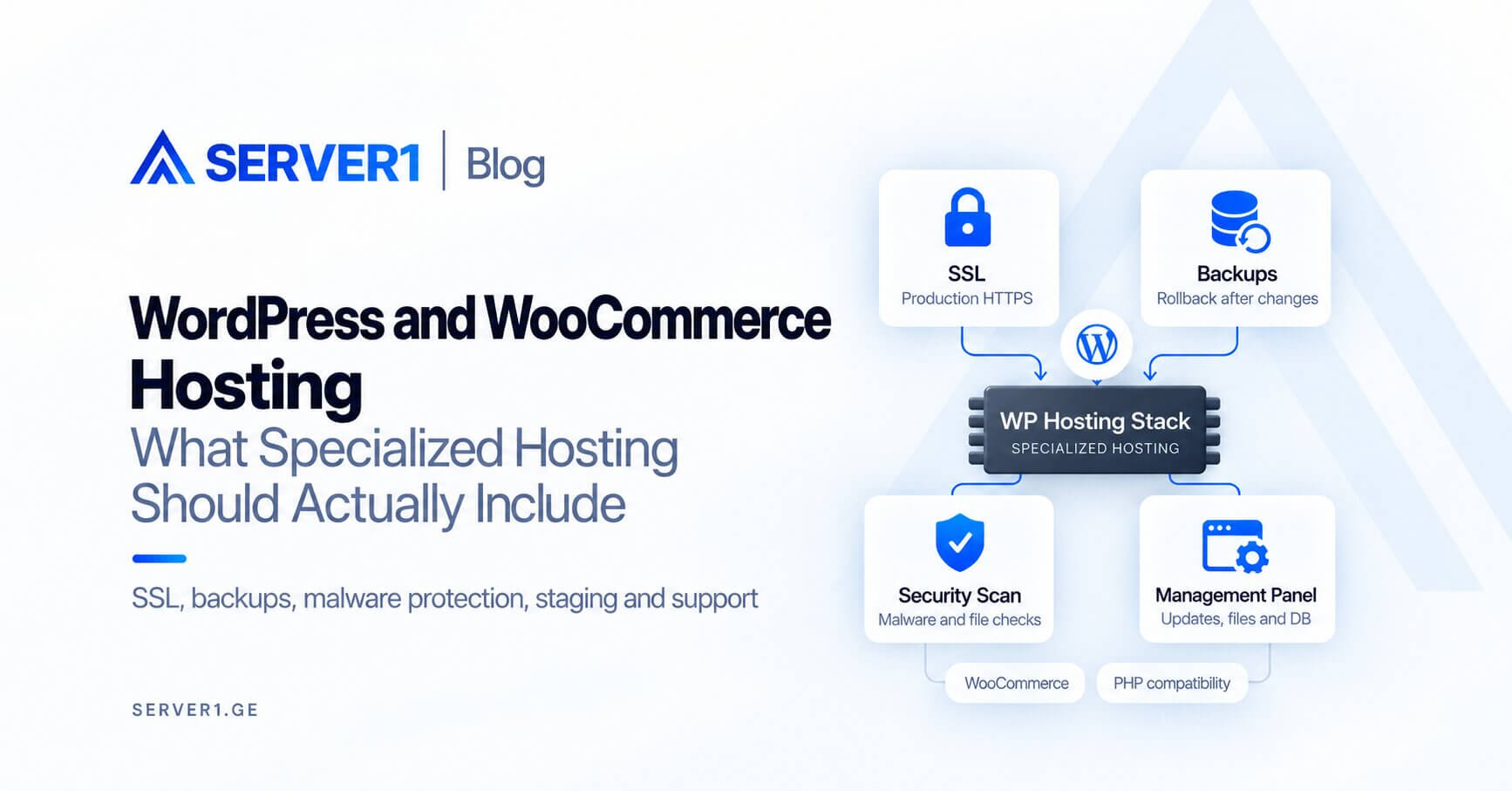
WordPress hosting should be more than shared hosting with a WordPress label. It creates value when the environment simplifies everyday operations: SSL, backups, malware protection, staging or management tooling, PHP compatibility, database performance and useful support.
What should good WordPress hosting include?
| Layer | Why it matters |
|---|---|
| PHP/runtime | plugin compatibility and performance |
| Database | dynamic pages, search and WooCommerce checkout |
| SSL | production HTTPS |
| Backup | rollback after failed changes |
| Security scanning | malware/file-change detection |
| Management panel | updates, files, DB, email and domains |
Review SERVER1 WordPress Hosting and our WordPress Toolkit guide.
WooCommerce is more demanding
Catalogue, cart, account and checkout workloads are not fully cacheable. During peaks, PHP workers and database latency become important quickly, so disk space alone is a poor sizing metric.
Hosting cannot repair a poorly maintained WordPress site
A heavy theme, too many plugins, oversized images and inefficient queries remain problems on stronger infrastructure. Use our WordPress optimization guide before treating every slowdown as a hosting problem.
Update strategy: do not treat production as the test environment
- create a backup/restore point;
- test in staging where practical;
- apply core/plugin/theme updates;
- smoke-test checkout, forms and login;
- review logs and errors;
- only then close the change.
How to know shared WordPress hosting is still enough
- resource limits are not repeatedly reached;
- TTFB remains stable at peaks;
- the database is healthy;
- no custom server daemon is required;
- backup and security processes meet the business need.
When the workload outgrows that model, Managed VPS may be the next step. For frontend performance, see our LCP/CLS guide.
Good WordPress hosting reduces infrastructure work, but good WordPress performance remains a combined result of the application, database and hosting environment.