Language
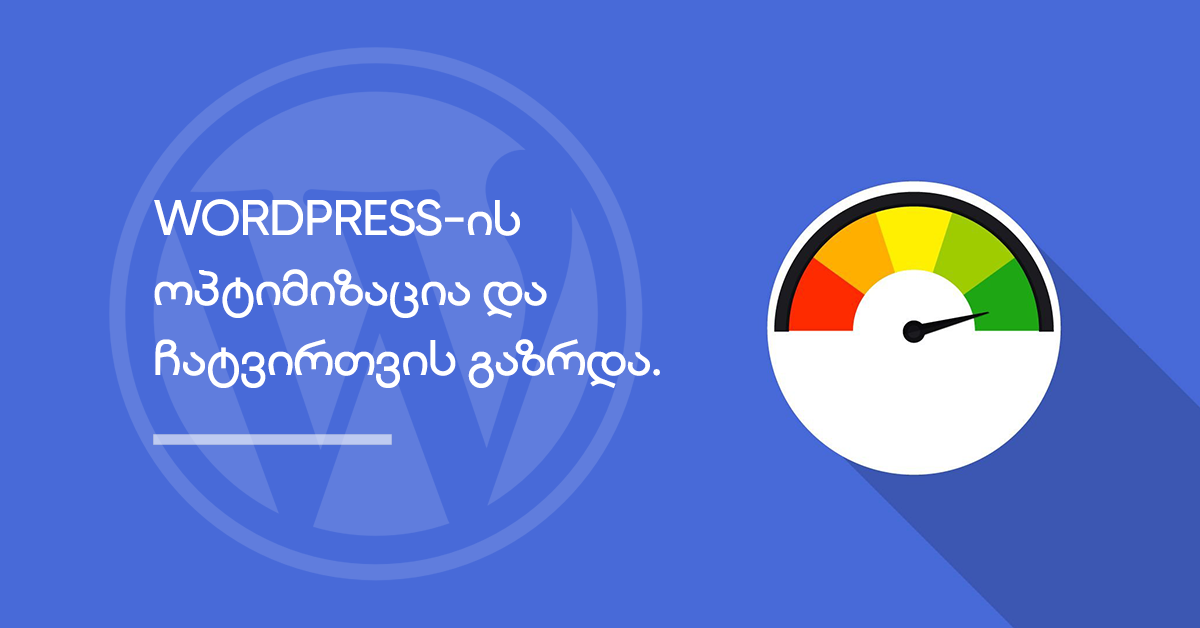
Website loading time and speed are extremely important to your users.
When it comes to WordPress, the faster your website loads, the more comfortable the experience will be for your users, which can increase activity on your site.
If you notice an increase in page loading time, lower search rankings and reduced user activity, one possible cause may be poor website speed.
WordPress offers many ways to optimize a website. In this post, we discuss the main optimization methods.
What causes a website to load slowly?
There can be many reasons for poor website performance. You may not have devoted enough time and effort to building the website. Or your website’s servers may not be powerful enough for the site to function properly. Another common cause is overloaded website traffic.
If your website receives very high traffic, visitors may encounter an error page. To avoid this, you should monitor traffic and increase your hosting package as the project grows.
Finally, and just as importantly, inefficient website code can prevent a website from functioning properly and increase loading times.
Choosing the right hosting package
Choosing the right hosting package is especially important. When selecting a hosting service, consider the location of the website. For example, if the site should primarily be available to users in Georgia, it is important for the hosting server to be located in Georgia, which improves loading speed on the local network.
Although businesses need to control expenses, do not compromise when purchasing hosting.
Keep WordPress updated to the latest versions
Update notifications can sometimes be annoying, but they should be taken seriously. Your WordPress plugins, themes and WordPress itself should be updated periodically, as this helps the site operate efficiently and quickly.
If you use SERVER1 web hosting services, you can easily perform all theme and plugin updates through WordPress Toolkit.
WordPress caching
Caching helps WordPress reduce the number of website requests.
Caching overview: when a user visits a site for the first time, a copy of the requests performed during the initial load is saved in a cached file. On a later visit, the user does not need to load every request again, which proportionally reduces the number of requests.
Caching significantly reduces website loading time.
If you use SERVER1 hosting, you can easily enable caching through our WordPress Toolkit. The WordPress tool is fully adapted to optimize the loading speed of WordPress websites.
Optimize media files
Image optimization plays an important role in website loading speed.
By optimizing media files, you significantly reduce file sizes, which reduces both the amount of hosting storage and the bandwidth they use.
TinyJPG is an excellent tool for optimizing media files.

Minify files
File minification is a technique for improving the efficiency of website code. It reduces and removes unnecessary material from your code, allowing files to load faster.
You should minify HTML, CSS and JavaScript code.
Remove unnecessary elements
Remove unnecessary plugins and themes that you do not use. They may require updates, and if they are not updated, they can contribute to longer website loading times.
If your site takes a long time to load, users will find it inconvenient and are more likely to leave. It is therefore very important to address any potential issue that may increase your site’s loading time.