Language

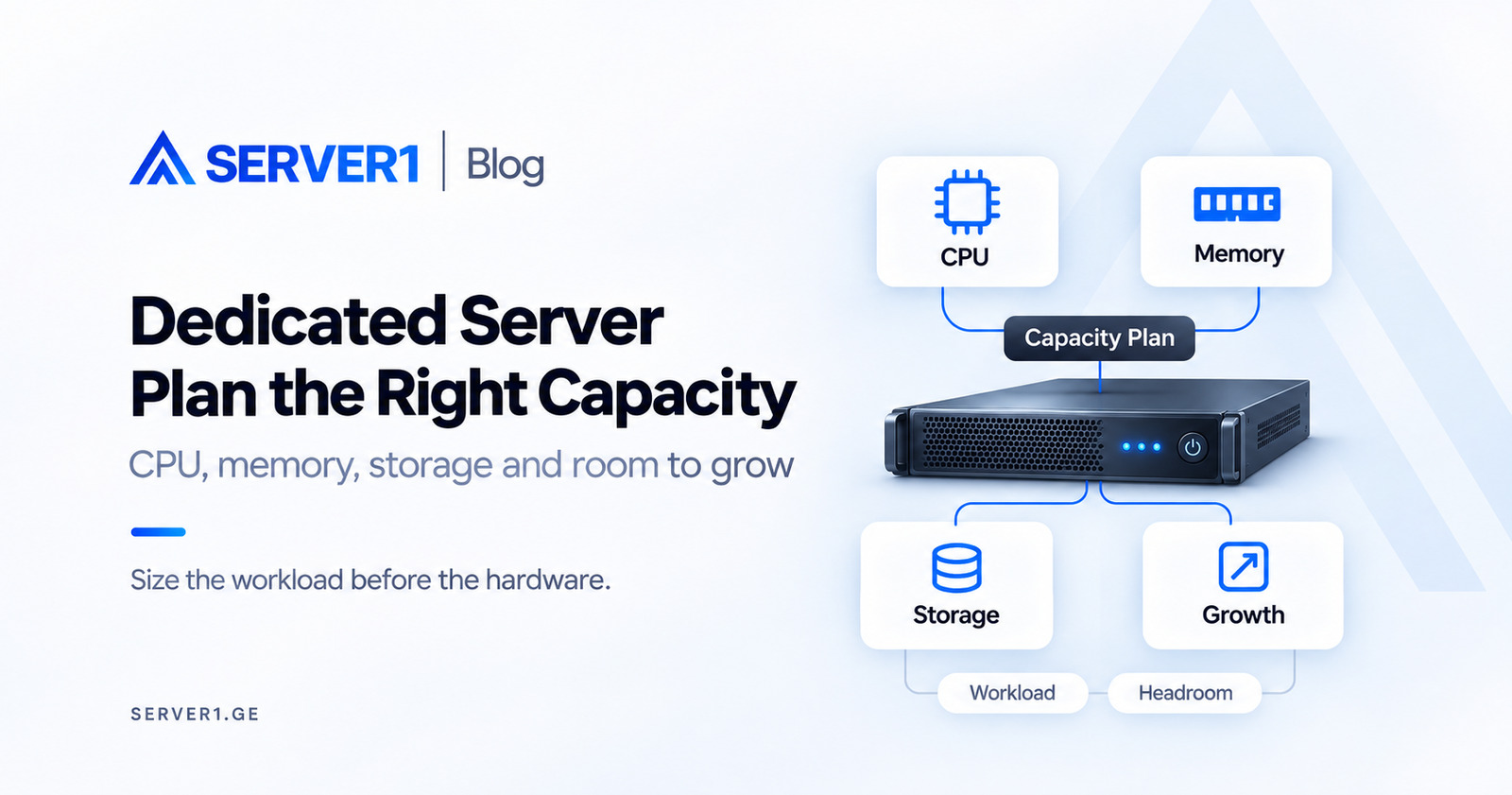
Two offers with the same core count, RAM and disk capacity can represent very different choices. The difference rarely fits into a specification line: which requests use the CPU, which processes share memory and what happens after a disk or application failure? A useful dedicated-server request starts with those questions.
Start the request with the work the server must do
List applications, database engine, background jobs and external connections. Include ordinary and peak activity, batch duration and data growth. Average daytime CPU can look comfortable while a nightly report places substantial pressure on storage or memory.
Distinguish CPU-bound work, constrained by computation; memory-bound activity, lacking room for its working data; and I/O-bound activity, spending important time waiting for storage. Real systems can experience several constraints together.
Choose an important work cycle and define acceptance. A nightly job might need to finish before the working day, or an operator action may need a response within an agreed time. These examples describe how to express a requirement. Your real deadline and acceptable error belong to your business; a server name alone cannot promise either.
State whether the figures come from an existing application or estimates for a new one. An estimate needs room for a pilot. An established workload needs a representative observation period: an average from one quiet hour may miss the daily peak. Keep the dates and conditions alongside the result.
CPU: look beyond the average
Include processor generation, per-core performance, application parallelism and licensing rules. More cores do not automatically accelerate a serial task. Each request does not require its own permanently occupied core, so do not convert visitor counts directly into a core count.
Start with evidence from the actual workload. Linux pressure information, where supported, can help distinguish CPU, memory and I/O waiting, but availability depends on the kernel and configuration. One metric is not a complete root-cause diagnosis.
A low average CPU percentage does not mean every process is comfortable. One important thread may be saturated while other cores are idle. A slow request might instead wait for storage or an external API. Connect the operation, CPU observation and waiting signals; adding resources from a single graph is an expensive assumption.
RAM is a shared budget
Account for the operating system, application processes, database, cache and management tools. Estimate peak memory per process and the number active together. One database setting does not necessarily represent the database's total memory consumption.
Suppose a fictional workload needs 6 GiB of working memory. To leave 25% of total capacity free, the calculation is 6 / (1 - 0.25) = 8 GiB. Merely adding 25% to six produces a different reserve. Validate the actual peak separately rather than treating the arithmetic as a workload benchmark.
Avoid counting the same memory twice. A container limit might include the database cache or might cover only the application. With several services on one host, relate their peaks to actual time windows. Mechanically adding unrelated peaks can overstate the requirement, while ignoring them can understate it.
Give headroom a reason: seasonal demand, a batch job or extra processes during deployment. A universal just-in-case percentage does not explain when capacity will run out. Record the signal that will trigger a review and the time required for the next capacity step.
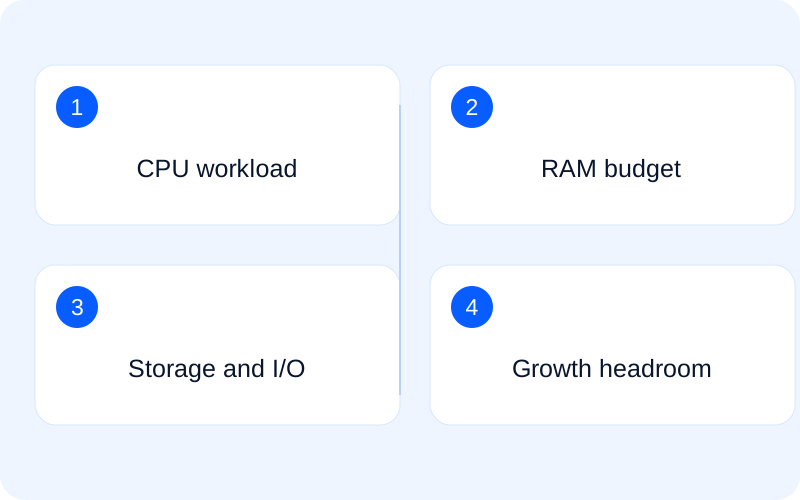
Storage capacity comes with a recovery question
The sum of disk labels is not the space available to applications. For example, a mirror of two 960 GB drives provides a nominal 960 GB for data before filesystem, operating-system and other overhead. Confirm the actual usable amount for the proposed layout.
RAID is not a backup. Accidental deletion or data corruption can also affect mirrored data. Backup location, retention and recovery are separate requirements. A snapshot does not automatically establish the existence of an independent backup either.
Include the right I/O profile: large sequential transfers, small random operations and latency describe different demands. An NVMe label alone is not a guarantee of a particular application's response time.
Write the storage example with units. Two hypothetical 960 GB drives in a mirror hold two copies of the data; they do not provide 1920 GB of usable space. Filesystem overhead, unit conventions and reserves need further clarification. Putting RAID and backup on one line makes the comparison less useful.
For recovery, ask how much data loss is tolerable and how quickly the particular service must return. Then distinguish the test you actually have: restoring a file, a database or a complete application. An existing copy and a working recovered service are different outcomes. Location, isolation and retention require separate confirmation.
Compare offers in the same language
Compare two fictional workloads: reporting with few concurrent users but substantial batch computation, and a shop with many parallel requests and frequently updated data. Equal disk capacities do not mean they need equal CPU, RAM or I/O.
| Area | Provide |
|---|---|
| Application | Stack, OS, licences and management model |
| Activity | Ordinary/peak concurrency and batch work |
| RAM | Observed use and required free headroom |
| Storage | Usable space, growth, I/O and RAID requirements |
| Network | Audience, port/traffic, IP and dependencies |
| Resilience | Backup, recovery objectives and responsibility |
Add the cost of operating the server
Check setup charges, contract term, OS/panel licensing, management, backup, IP and network conditions. Use the current SERVER1 service page and quotation instead of assuming permanent pricing or availability of every configuration.
Describe management through actions. Who updates the OS, watches alerts, changes the application configuration and handles an incident? Managed is only a heading until the scope of the specific service is confirmed. Clarify which licences, third-party services and one-off work are included in the price.
At acceptance, do more than inspect the hardware list. Reconcile the delivered configuration, save a baseline observation and exercise the representative application. Migration remains a separate change with synchronisation, return and customer-journey checks. These distinguish server readiness from a completed migration.
A brief that makes the technical discussion useful
The note below is a starting point for a useful enquiry. Every field does not need a number. If a value is unknown, mark it to be measured and explain where it could come from. Visible uncertainty supports a better offer more effectively than invented precision.
Purpose: [application and important operation]
Observation period: [dates and peak]
CPU/RAM/I/O: [measured or to be measured]
Data: [volume, growth and usable capacity]
Recovery: [acceptable loss and time]
Management: [responsibilities and scope to confirm]
Acceptance: [test scenario and decision condition]
Use the brief to compare current dedicated-server offers. For operational help, name the work in your Managed Dedicated enquiry. Clarifying capacity and service boundaries together reduces purchases based on assumptions.
For the first observations: Linux VPS Monitoring: How to Read CPU, RAM, Disk and Load.
Technical references for resource pressure and memory configuration: Linux kernel - Pressure Stall Information; PostgreSQL - Resource consumption.