Language

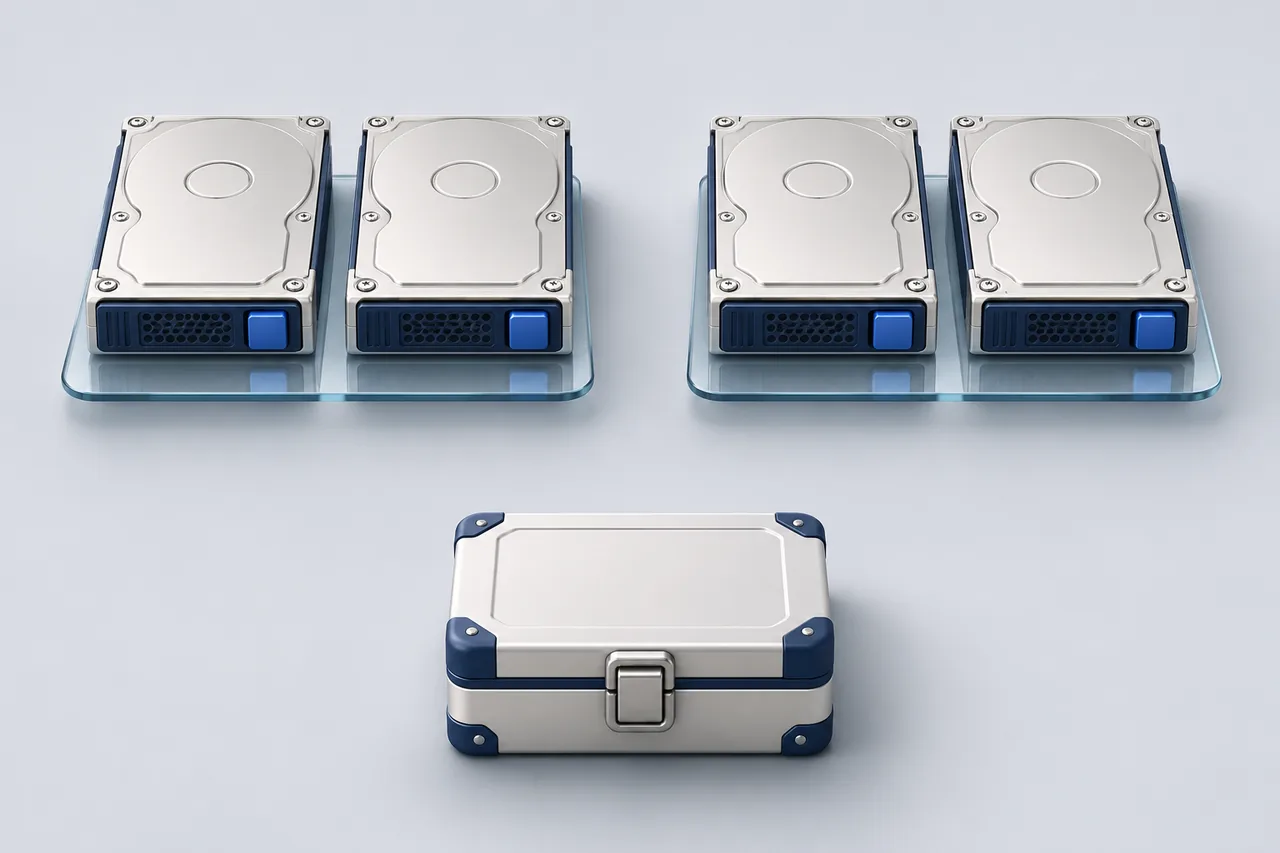
Four disks marked 2 TB do not automatically give your application 8 TB of working space. RAID layout, formatting, reserved capacity and the way units are displayed all sit between the hardware list and the space a database can use. Before ordering a Dedicated server, ask for the usable layout and its recovery assumptions, not just the sum printed beside the disks.
A small capacity worksheet
The examples below use equal-sized drives and simplified layouts. They are calculations for explanation, not SERVER1 offers or guaranteed formatted capacities. Actual controller and filesystem details must be checked separately.
| Illustrative layout | Nominal data capacity | Question to keep open |
|---|---|---|
| Two 2 TB drives, RAID 1 mirror | About 2 TB before overhead | How is a failed member detected and replaced? |
| Four 2 TB drives, conventional two-copy RAID 10 | About 4 TB before overhead | Which failure combinations can this exact layout tolerate? |
| Four 2 TB drives, RAID 5 | About 6 TB before overhead | What happens to service during degraded operation and rebuild? |
Do not interpret the larger number as the best choice. The workload matters: many small synchronous writes, large sequential archives and mostly cached reads impose different demands. A capacity worksheet narrows the question; it does not replace a workload-specific design or an agreed performance test.
Work backwards from the application
Suppose an illustrative application currently stores 900 GB of live data. Its owner also needs temporary export space, database maintenance headroom and room for growth. Writing “900 GB required” would miss those working needs. List each category separately, identify whether it overlaps with another category, then add an explicit operating reserve justified by the application's behaviour.
A copied export and its compressed archive may briefly coexist. A maintenance operation can require extra working space. A local backup, if deliberately kept there, consumes capacity too. None of these should be assumed to fit simply because the database is smaller than the disk. Use measured peaks where available and label estimates where they are not.
Also agree on units. Decimal TB and binary TiB describe the same bytes with different numbers. Formatting and metadata add another difference; they are not the same thing as unit conversion. Ask the administrator to show the raw device size, array size and mounted filesystem size in consistent units. This prevents a presentation difference from becoming a false missing-capacity incident.
Then ask what a disk failure actually means
Redundancy can keep an array usable through certain failures, but the precise tolerance depends on the layout and failed members. Do not turn “RAID 10” into an unconditional promise that any two drives may fail. Nor should you assume a rebuild has a fixed duration. Drive condition, workload, controller behaviour and the amount of data can all matter.
The practical conversation is operational: who receives the alert, who confirms the failed drive, what replacement is available and how the application is watched during recovery? A spare drive is not additional application capacity. If a spare is included in the hardware count, distinguish it from active members before comparing offers.
RAID protects against a particular class of hardware failure. It does not provide an independent historical copy of a file that an application has deleted or overwritten.
Keep backup location, retention, restore access and recovery rehearsal as separate decisions. An archive on the same server shares some of its failure risks. Check the broader Dedicated capacity planning checklist and our discussion of when a Dedicated server is appropriate before treating storage as the only selection criterion.
For a useful Dedicated server enquiry, provide current data size, growth evidence, read/write pattern, recovery needs and the person responsible for administration. Request the exact proposed drive and RAID layout in return. A clear answer gives you both usable space and an operating plan; a long disk list alone gives you neither.
Reference: Red Hat's explanation of RAID levels.