Language

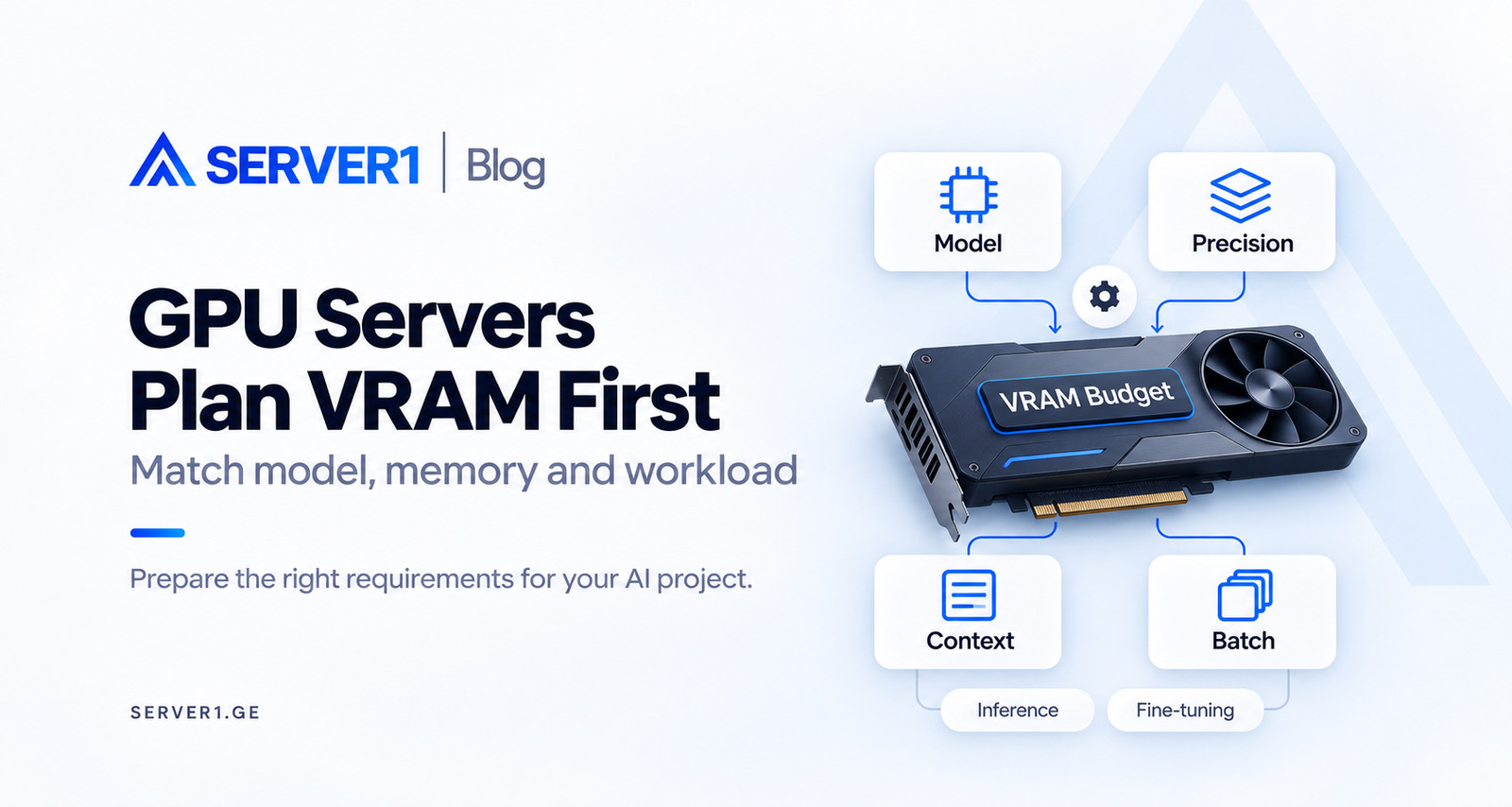
The search for a GPU server often starts with a model name and moves straight to a card name. The essential work sits between them: what will the model do, how many people will it serve and how much memory will it consume under those conditions? Before ordering hardware, express the requirement as a small experiment.
Give the workload its proper name
Inference uses an already prepared model to produce a response or other output. Fine-tuning adapts a model with additional data; its method and trainable parameters change memory needs. Full training is a broader training process and cannot be sized directly from an inference estimate.
Define the actual task: text generation, embeddings, image processing or another pipeline. Even within one model family, versions, frameworks and task modes can differ. Parameter count by itself is not a complete requirement.
AI is not a substitute for a workload description. A one-off batch, a persistent API and a training cycle need different acceptance criteria. Describe the result first: how many answers should arrive within an agreed time, or which dataset should finish a pilot adaptation. Derive figures from your goal and verify them through measurement.
A VRAM budget includes more than weights
A starting calculation is parameter count multiplied by bytes per parameter. For example, hypothetical weights with eight billion parameters at two bytes each occupy about 16 GB, or approximately 14.90 GiB. This is only a theoretical weight-storage amount.
At four bits, the simple lower estimate is 4 GB, but quantisation metadata, runtime buffers and other components need additional room. Four gigabytes of weights does not establish that the application will run on a 4 GB GPU. Confirm the format and method against the specific model.
The theoretical weights calculation is an initial filter. If weights almost fill the card, little room remains for everything else. Runtime behaviour can also change allocation. Deriving one exact total VRAM figure from the parameter count alone creates precision the information does not support.
Distinguish decimal GB from binary GiB. They represent different quantities. If a supplier specification and a monitoring tool show different numbers, compare units first. A unit mismatch alone establishes neither missing capacity nor faulty hardware.
Context and concurrent users
During autoregressive inference, the KV cache retains context information and its size depends on workload conditions. Input text, generated continuation and simultaneous sequences all affect demand. Comparing two demos with one short prompt does not characterise production use.
Batching can improve throughput, but check user latency and peak memory as well. Cache quantisation or CPU offloading changes VRAM demand with performance and compatibility trade-offs. Lower memory consumption does not automatically provide the best response time.
The maximum supported context window differs from an ordinary service request. Record typical input, expected output and the important long cases when comparing cost. A successful short-prompt test does not validate long-document processing.
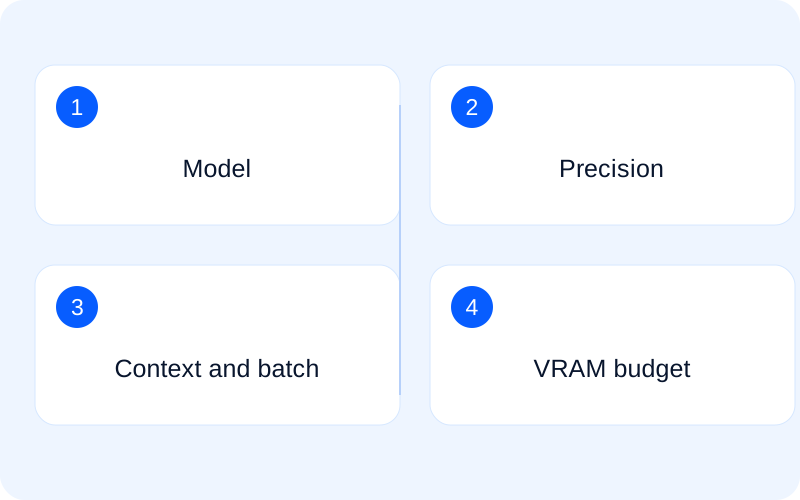
The same model can lead to two different servers
Scenario A: the model serves answers
In the first hypothetical scenario, a team serves an already selected model over an API. Observe time to first response, ongoing generation and several simultaneous users. More concurrent sessions can increase throughput while slowing an individual response. State the acceptable balance in the requirement.
Scenario B: the model adapts to a task
In the second scenario, a team wants to adapt the model. Successful inference no longer proves readiness: the training method, batch, precision and working components change. Do not treat LoRA/QLoRA and full fine-tuning as equivalent requirements in a price comparison. Confirm the method, framework and model support first.
Read a pilot run carefully
Use authorised data resembling the real task, anonymised where necessary, in an agreed test environment. Check short and long input, single and parallel requests. Record model, driver and framework versions, peak memory, failures and response time.
Do not size fine-tuning from an inference result. Optimiser state, gradients, activations and method-specific components change the budget. CPU, system RAM, storage and data supply can also become bottlenecks. A GPU alone does not determine whole-system performance.
Record the exact model revision, runtime, precision and launch parameters. That note makes the result reproducible. Mark warm-up and first launch separately; downloading weights or initialising the process is not the same as an ordinary request. Use representative data that you are entitled to process.
If the pilot ends with a memory error, do not change every parameter at once. Retain the result, adjust one justified factor and repeat the same work. Assess both successful operation and the boundary where the system can no longer meet your acceptance condition.
Prepare the environment as well as the hardware
Memory on several GPUs does not automatically become one continuous pool. Model distribution depends on framework support and hardware topology. Confirm the supported software stack, management scope, term and availability.
Distribution across several GPUs is a separate engineering decision. Adding nominal VRAM does not mean every model will see it as a single card. Confirm software support, interconnect and the way work is divided. A representative pilot should support performance expectations.
Consider model and dataset usage conditions before choosing the configuration. Confirm driver/runtime compatibility, storage and administration scope. Share unusual location or access requirements in advance. A standard GPU offer does not establish specialised compliance or isolation guarantees.
A request that supports an actual comparison
Separate mandatory requirements from preferences. Strict latency, for example, may matter more than maximum batch throughput. This lets you compare offers under the same operating conditions rather than by a hardware label alone.
| Area | Provide |
|---|---|
| Model | Exact name, version and usage rights |
| Task | Inference, fine-tuning or another mode |
| Representation | Precision/quantisation and framework |
| Demand | Context, output, batch and concurrency |
| Objective | Acceptable latency, throughput and quality |
| Operations | Data, storage, system RAM, management and backup |
To compare current GPU-server options, send the model revision, operating mode and pilot result. If there is no test yet, say so. The discussion can then move from the card name to the work you actually need done.
For general server-resource observations: Linux VPS Monitoring: How to Read CPU, RAM, Disk and Load.
Details of memory, cache and adapter training: Hugging Face - GPU memory usage; Hugging Face - Cache strategies.