Language
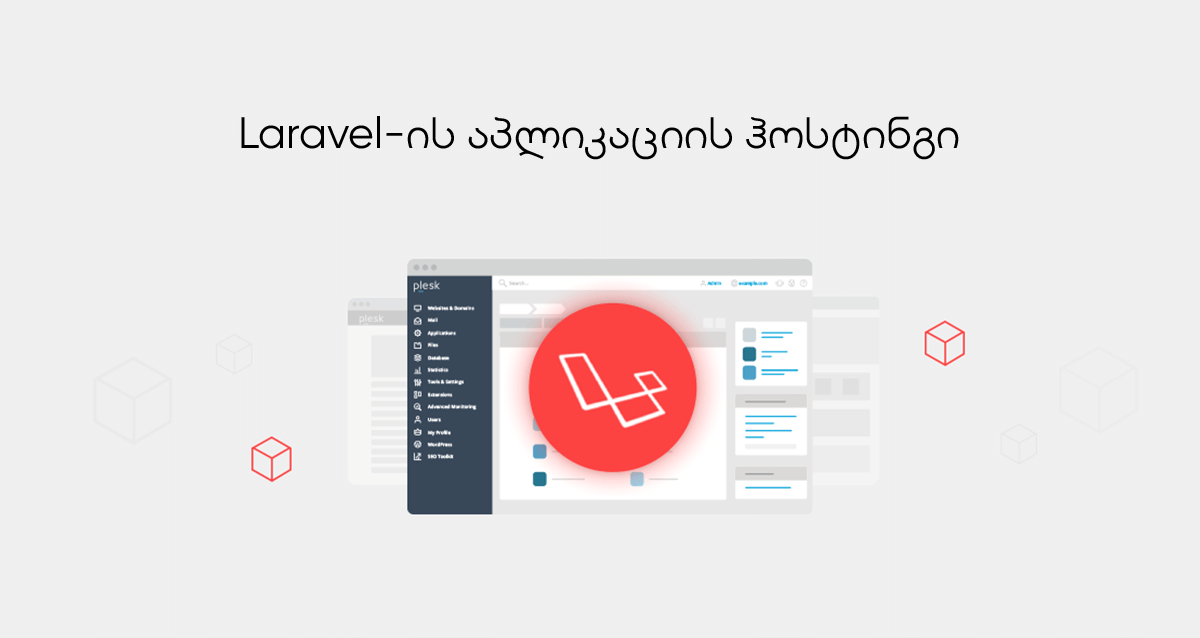
Using Laravel applications with Plesk can simplify the following tasks:
- ▶ Laravel installation;
- ▶ Laravel configuration;
- ▶ Laravel management;
- ▶ Laravel monitoring and troubleshooting.
To reduce the amount of manual work required for common deployment tasks, SERVER1 provides a Plesk environment with Laravel management capabilities where available.
Additional capabilities can include:
- ▶ installing Laravel with a guided workflow;
- ▶ managing PHP versions and working with Composer, Artisan, npm, MySQL and Git;
- ▶ managing Laravel from the Plesk interface, including application commands, environment settings, databases and logs, depending on the installed Plesk/Laravel Toolkit version and subscription permissions.
Installing Laravel
When adding a domain, select the appropriate Laravel-site option if it is available in your Plesk environment.

If you do not yet have a production domain, a temporary domain can be used to test the installation when that option is enabled by the hosting provider.

Before installation, Plesk may offer a choice between creating a new Laravel application and deploying from Git. In this example, a Laravel skeleton application is installed.

Installation process

After installation, the Laravel management interface becomes available in Plesk.

Your Laravel application can then be served through the configured domain.