Language
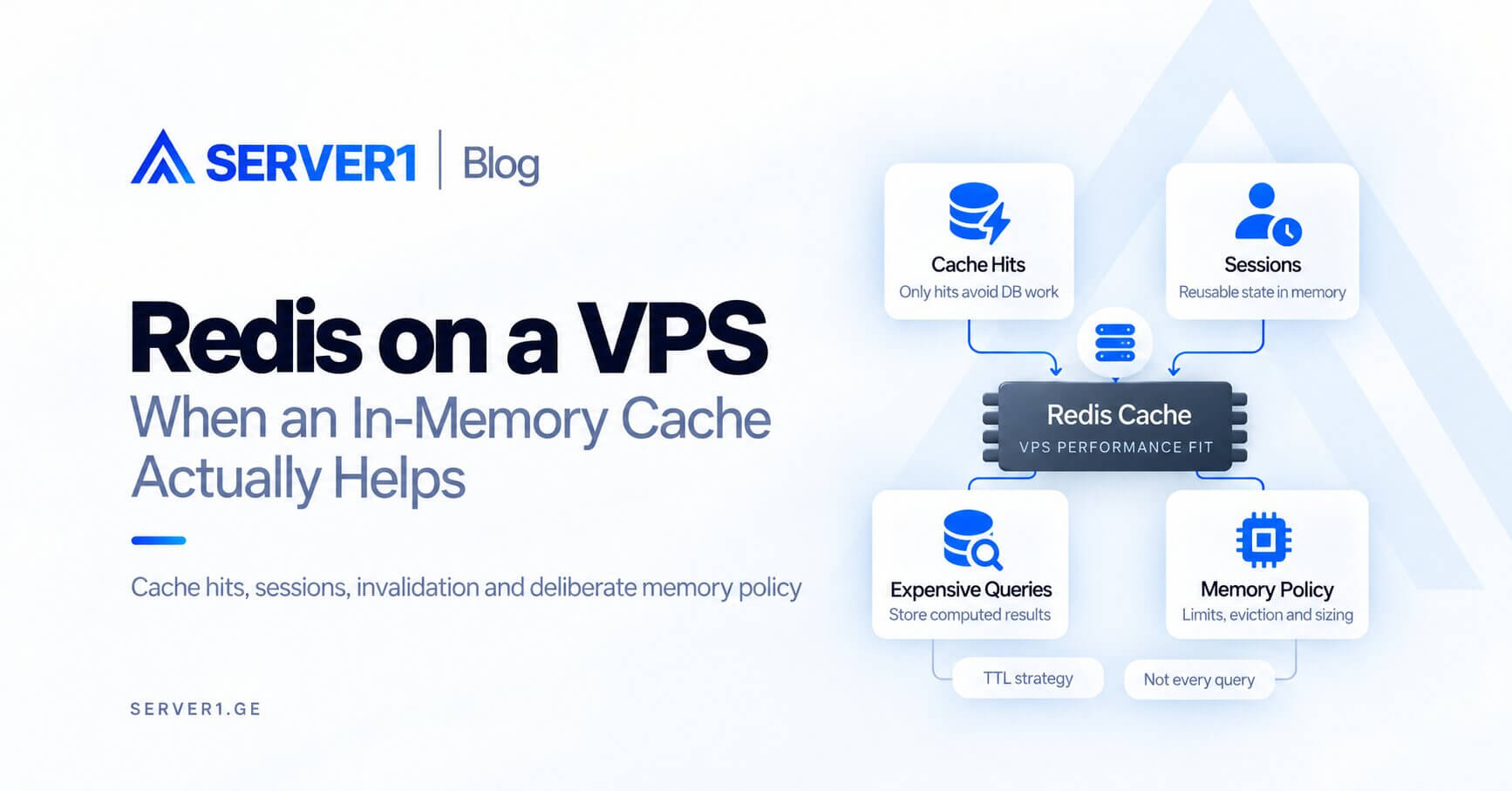
Redis improves an application when keeping frequently reused data, sessions or computed results in memory actually avoids expensive database or application work. Installing Redis alone does not create performance - you still need a cacheable workload, correct invalidation and a deliberate memory policy.
Myth: “If I add Redis, the database bottleneck disappears”
Reality: only cache hits help. Unique, transactional or constantly changing queries still reach the database. Start by identifying the expensive operation you are trying to avoid.
the database memory-planning article helps separate database capacity problems from application-query problems. For WordPress or WooCommerce, also review the WordPress optimization guide.
Four common Redis roles
| Use case | Why it can help | Main risk |
|---|---|---|
| Object cache | reuse expensive results | stale data |
| Session store | share sessions across processes | availability matters |
| Queue/state | fast async coordination | persistence semantics matter |
| Rate limits/counters | fast atomic operations | TTL/policy mistakes |
maxmemory and eviction are operational settings
If Redis is a cache, define a memory ceiling and decide what should happen when it is reached. Redis can evict keys according to multiple policies; with `noeviction`, writes can fail after the limit is reached. Replication or persistence may also need additional buffer memory, so `maxmemory` should not simply equal all RAM on the VPS.
Cache invalidation is the real engineering work
- Which key is created?
- What is its TTL?
- Which event invalidates it?
- What happens on a cache miss?
- What happens after a Redis restart?
When I would not add Redis yet
- the bottleneck has not been measured;
- the VPS is already under memory pressure;
- the workload has little repetition;
- stale data is unacceptable and no invalidation model exists.
Unmanaged VPS gives full configuration control. If infrastructure operations should be delegated, confirm Redis support inside Managed VPS. For PHP-heavy systems, our PHP-FPM tuning guide helps identify problems that caching will not solve.
Redis is a tool for a specific latency or capacity problem - not a checkbox that automatically makes every VPS faster.