Language
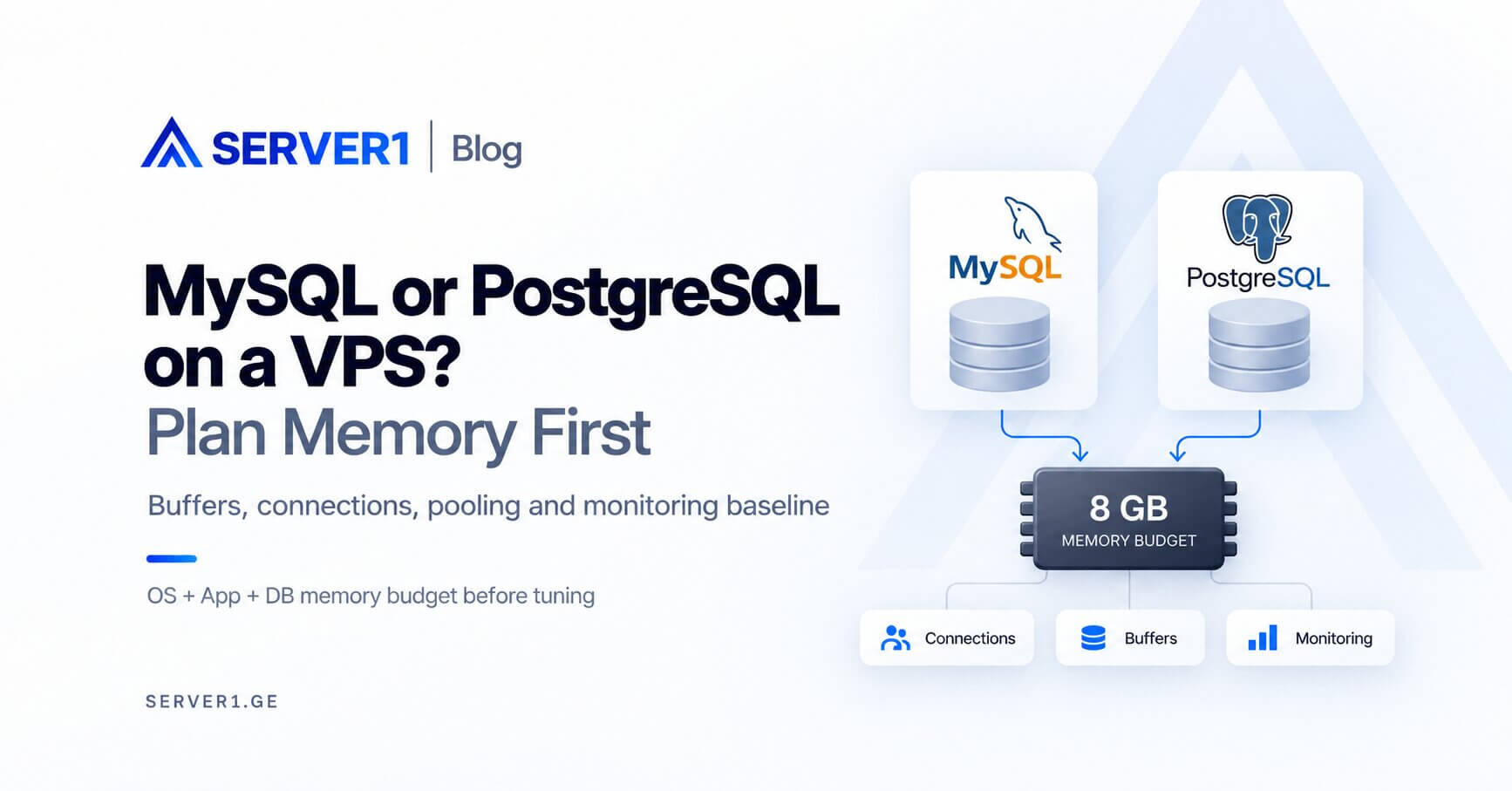
Memory alone should not decide between MySQL and PostgreSQL, but both require a memory budget before production use. A poor approach is to allocate nearly all RAM to the database and forget the operating system, web workers, connections and maintenance jobs.
Start with a blank 8 GB VPS budget
The full 8 GB does not belong to the database. Reserve headroom for the OS and services, account for application processes, then size database caches, buffers and connection-related memory inside what remains.
MySQL - the buffer pool matters, but it is not alone
The InnoDB buffer pool is often a major memory consumer, but an appropriate size depends heavily on whether MySQL has a dedicated VPS or shares the machine with a web stack. Increasing `max_connections` does not create capacity.
PostgreSQL - shared_buffers is only part of the picture
Consider `shared_buffers`, connection count, operation memory and the OS page cache together. Be particularly careful with `work_mem`, because one complex query may use several sort or hash operations.
Memory-planning worksheet
| Question | Why it matters |
|---|---|
| Is the DB on a dedicated VPS? | more memory can potentially go to the database |
| How many active connections? | connection overhead |
| How large is the dataset? | cache strategy |
| What query pattern? | OLTP and analytics differ |
| When do backups run? | peak resource competition |
the large-database server guide expands this sizing discussion. For Laravel applications, the Laravel hosting guide shows how the application and database layers interact.
Which database should you choose?
If the application and team already depend on one database, migrating because another is supposedly "faster" is rarely enough justification. Evaluate required features, tooling, query patterns and operational competence.
Unmanaged VPS is flexible for full database administration. Use SERVER1 VPS to compare resources. Before production changes, test representative load and verify backup/restore.
A dedicated DB VPS and a shared web+DB VPS should not be tuned the same way
When the database has its own VPS, a larger share of RAM can go to database caching because PHP, Node and the web server are no longer competing on the same machine. On a shared VM, the same aggressive setting can create swapping. That is why generic “allocate X% of RAM to the database” advice should never be applied without context.
Connections are often the underestimated part of memory planning
Configuring 100 connections does not mean you need 100 active queries all the time. In some applications, connection pooling or a proxy can serve many application requests with fewer real database sessions. Measure active connections, transaction duration and waiting states before raising limits.
Different workloads need different measurements
| Workload | Metrics that matter especially |
|---|---|
| Transactional web app | latency, locks, index efficiency, active connections |
| WooCommerce / CMS | query count, slow queries, object cache, concurrency |
| Reporting / analytics | large scans, temporary memory, I/O, execution plans |
| Background imports | write bursts, lock time, redo/WAL growth |
The “MySQL vs PostgreSQL benchmark” trap
Running an identical schema and query on both systems is not always a fair comparison: optimizers, indexes, data types and query idioms differ. If migration is a real option, benchmark representative production workloads rather than one synthetic query.
Build a monitoring baseline before tuning
- CPU and disk latency;
- active and waiting connections;
- cache-hit behavior;
- slow-query distribution;
- locks and deadlocks;
- backup duration and maintenance impact.
The right database choice is not “which one is more popular?” It is the system that fits your feature requirements, query patterns and the team that will operate it.