Language
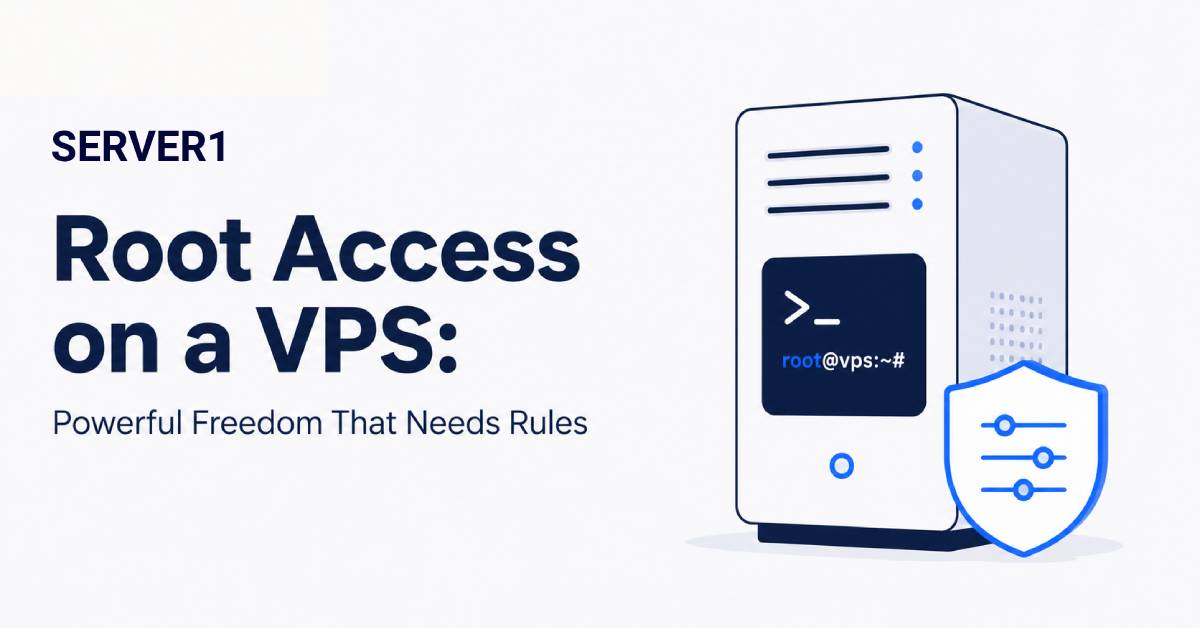
Receiving root credentials after a VPS is provisioned feels powerful: the server is yours and almost everything can be changed. That is also where the risk begins. Root has no second permission boundary. A careless command or stolen credential can affect the entire system.
If full root and SSH control is the reason you need a VPS, that model maps directly to Unmanaged VPS, where internal system administration remains your responsibility.
What root can do that an ordinary user cannot
- install and remove system packages;
- change firewall and network configuration;
- manage users, permissions and services;
- modify almost any system file;
- stop processes or alter their configuration.
Those privileges are necessary for administration. They are not necessary for every daily login.
For the practical side of an SSH workflow, see our article on SSH Terminal Extension; the core principle remains separate users and minimal privilege.
My minimum administrative-access policy
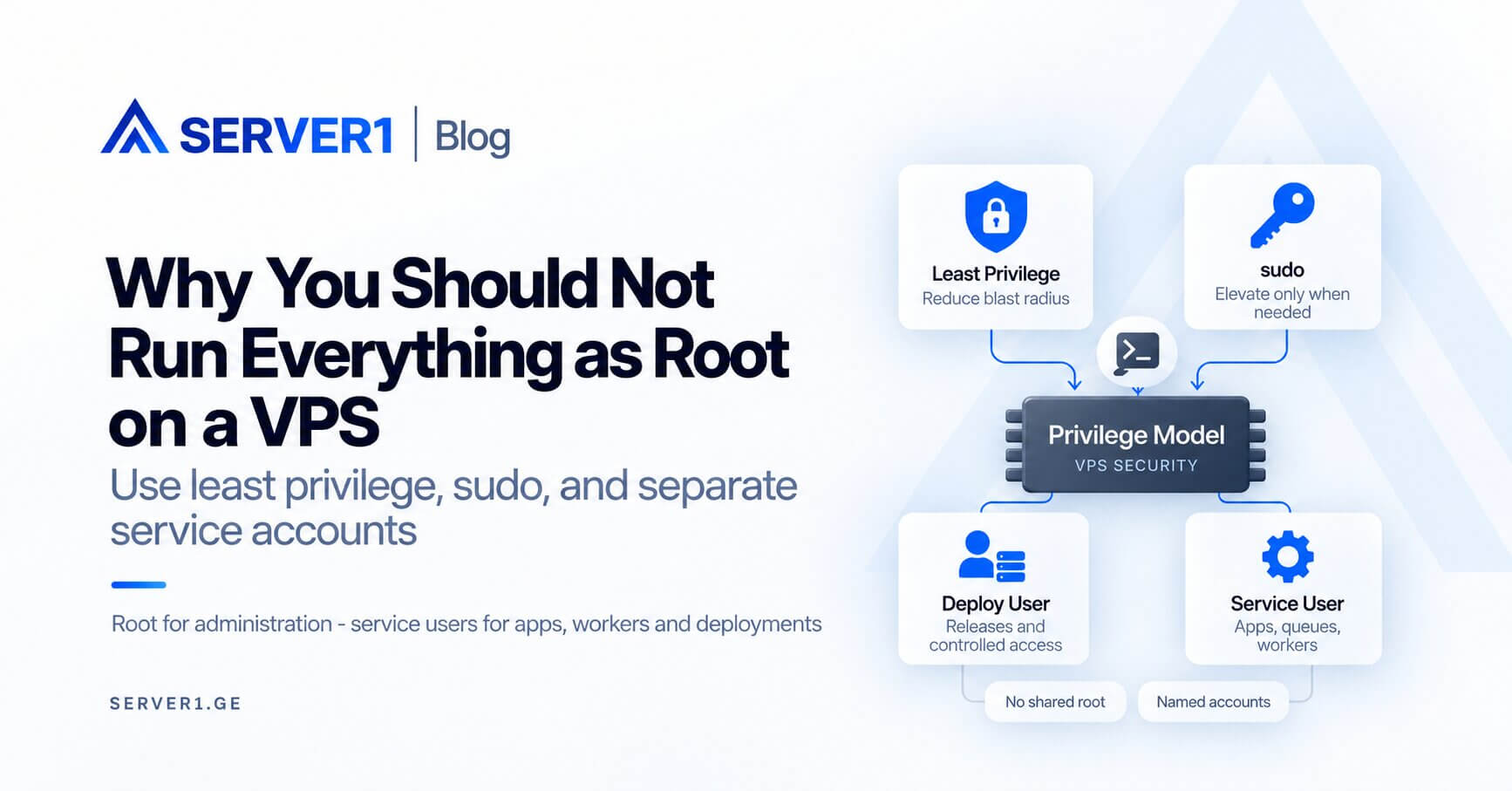
- Create a separate personal administrative user;
- use SSH keys instead of passwords where practical;
- use sudo only for commands that genuinely require elevated privileges;
- remove or restrict obsolete accounts and keys;
- monitor administrative activity through logs and alerts.
If several people manage the server, a single shared root credential is especially weak: during an incident, accountability disappears.
Root access is only one security layer. For the broader picture of firewalling, patching, service hardening and monitoring, review our server-security tooling overview.
Three mistakes that often begin as “the easy way”
Direct root login with a password from the public Internet
This creates an unnecessarily valuable target. Tighten the access model and reduce exposure to credential abuse from the start.
Running the application as root
A web application almost never needs full system privileges. If a public-facing process runs as root, the impact of an application vulnerability can be much greater.
Copy-pasting commands from the Internet
Before running an unfamiliar command in a root shell, understand exactly what it does. Be particularly careful with filesystem commands and firewall/network changes.
Root access means something different on managed VPS
With a managed VPS, confirm whether full root access is provided and which changes can affect the provider's support scope. If the provider manages a specific web stack, uncoordinated changes can make troubleshooting harder.
For broader hardening context, see our overview of server management and security tooling.
A practical rule: treat root as a privilege you elevate to when necessary, not as your everyday working identity.