Language
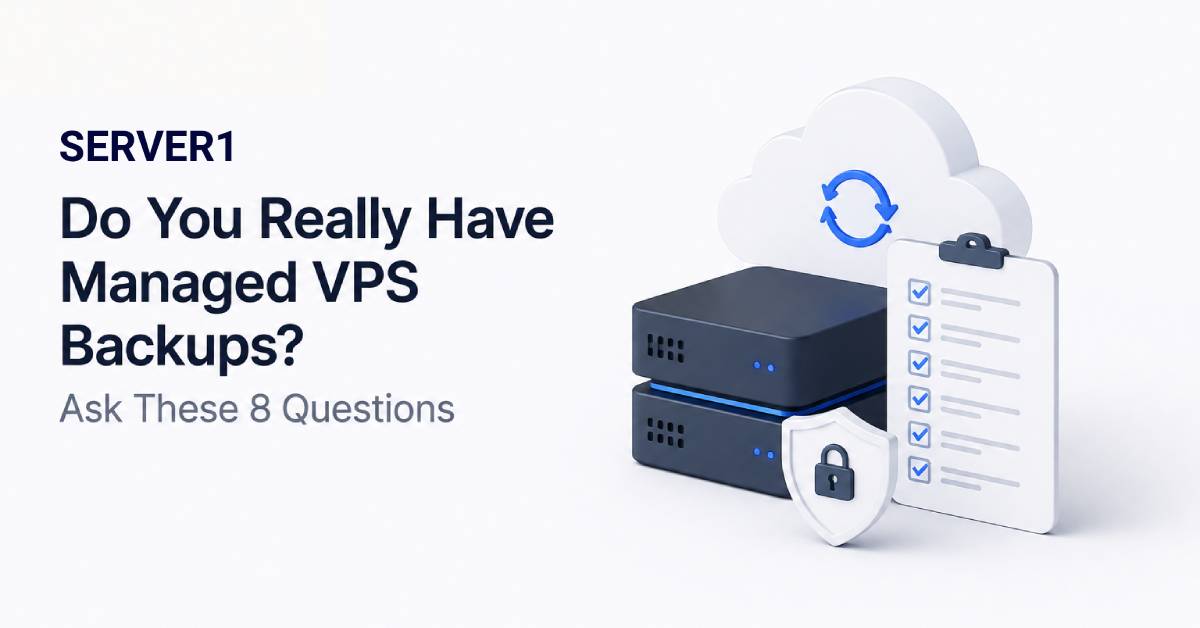
The worst answer to a backup question is: “yes, I think backups are running.” After data loss, “I think” has no value. When buying managed VPS, verify management and backup as separate service components - one does not automatically define the other.
The SERVER1 Managed VPS page describes backup and external-storage options, but retention and restore terms should still be verified for the specific plan before ordering.
Eight questions I would ask before ordering
- What exactly is backed up? The full VPS, files, databases or selected directories?
- How often are copies created? Daily, hourly or on another schedule?
- How long are they retained? One latest restore point and a longer history provide very different protection.
- Where is the copy stored? Will it survive the same storage failure?
- Is database consistency considered? A raw disk snapshot is not automatically application-consistent.
- Who starts a restore and how? Self-service, ticket or managed recovery?
- Can a single file be restored? A complete server recovery is not always necessary.
- When was restoration last tested? A successful backup job does not guarantee a successful restore.
RPO and RTO - two technical acronyms that need a business translation
| Term | Simple question | Example |
|---|---|---|
| RPO | How much recent data can I afford to lose? | If orders arrive constantly, a long backup interval may be unacceptable |
| RTO | How long can the service stay unavailable? | A blog and a payment system rarely need the same recovery priority |
The backup schedule should come from these business requirements, not from the assumption that “daily backups are enough for everyone.”
With an Unmanaged VPS, you own the backup policy, so optional backup or external-storage choices should be driven by your recovery requirements.
Snapshots have a job - but do not make them do every job
A snapshot can be excellent for quick rollback, for example before a major update. But if it depends on the same infrastructure or storage failure domain, it should not be treated as a complete substitute for an independent backup. Different failure scenarios need different layers of protection.
The value of backups becomes obvious during an outage; our article on website downtime is a useful reminder of why recovery time should be understood in advance.
A 15-minute restore drill is worth more than another checkbox
Periodically restore a random file or a test database into a separate environment. Check permissions, encoding, application login and whether the team actually knows the procedure. A disaster is a poor time to read the recovery instructions for the first time.
If the management model itself is part of the decision, our article on server management and time savings helps frame infrastructure ownership. For additional background, see an older SERVER1 article about backup storage with Amazon EFS.
My simple test: a backup exists only when we know what is copied, where it is stored and how to restore it.