Language

Two VPS plans can look almost identical on paper - the same CPU, RAM and NVMe storage - yet be very different products in practice. The difference is ownership: on one server, daily operations are your responsibility; on the other, part of that work belongs to the provider.
That is why the first question in a managed vs unmanaged VPS decision should not be “which one is cheaper?” A better question is: if the web server stops on Sunday evening, who logs in, reads the logs and owns the fix? The answer usually points to the right model.
If VPS isolation and resource ownership are still new concepts, start with our guide to what VPS hosting is; the managed/unmanaged distinction becomes much easier to evaluate afterwards.
Similar infrastructure, very different responsibility
| Area | Unmanaged VPS | Managed VPS |
|---|---|---|
| Operating-system maintenance | Primarily your team | Provider, within the agreed service scope |
| Security updates | You schedule and apply them | Often included in management |
| Initial incident diagnosis | Your responsibility | May be handled by the provider |
| Unusual configurations | Maximum freedom | Must fit the support model |
| Hidden cost | Your team's time | Higher service fee |
This is why “unmanaged is cheaper” is not always the whole story. If a developer spends several hours every week doing system administration, those hours are no longer going into the product.
Three teams, three different answers
1. A small business without an always-available technical person
A managed VPS is often the calmer option. The business usually wants the site to stay available, backups to be understood and a clear escalation path when something breaks - not ownership of package updates and web-server configuration.
2. A development team that wants complete control
If Linux administration, monitoring, deployment and security processes already exist in-house, an unmanaged VPS can be the better fit. In that environment, freedom is an advantage rather than another job.
3. An agency hosting several client sites
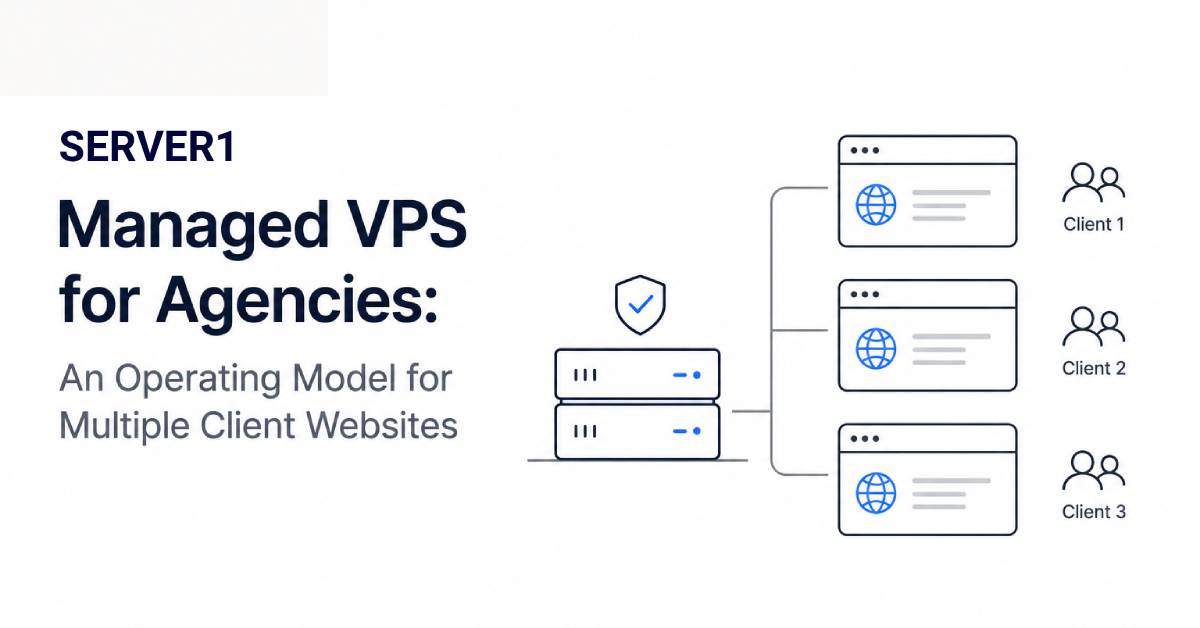
An agency often sits in the middle: it manages applications but does not want to troubleshoot a kernel, mail-service or disk problem at 3 a.m. Managed service can work very well here when support boundaries are explicit. For more context, see Server Management and Time Savings.
If you have not yet decided which hosting class fits the project, compare your workload against the criteria in our guide to choosing the right hosting plan.
Four questions I would get answered in writing
- What does “management” include? OS only, or also the web server, database and control panel?
- Are backups separate? “Managed” does not automatically define every backup scenario.
- What happens with custom configuration? Some changes may fall outside the support scope.
- Who owns application issues? A WordPress plugin bug and a Linux service failure are not the same support request.
If you are still choosing the service class, review SERVER1 VPS options and decide whether your team benefits more from additional control or from reduced operational load. The right choice is the one that makes the team more effective, not simply the one with the lowest monthly line item.