Language
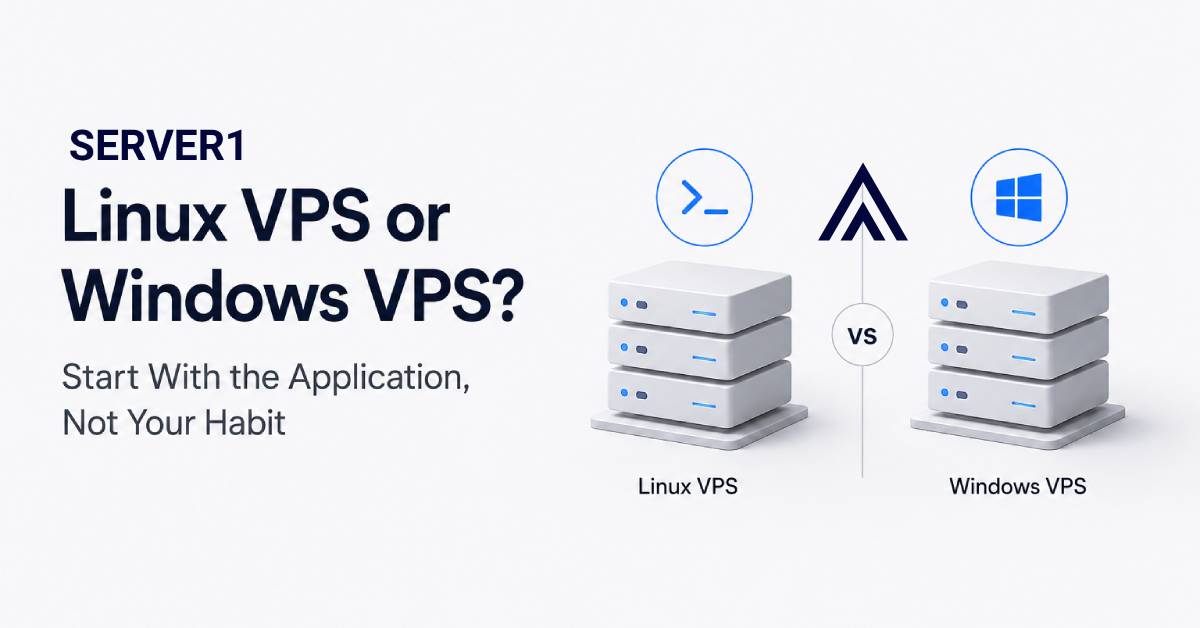
If you are buying a VPS and the first question is “Linux or Windows?”, do not look at the operating system on your laptop. The server choice should be driven by the application that will actually run there.
A useful rule: choose the OS your application stack supports most naturally. An administrator's personal habit should come second.
Work through these five questions in order
- Is the software Windows-only? If the vendor explicitly requires Windows Server, the decision is largely made.
- What runtime are you using? PHP, Laravel, WordPress, Node.js and many open-source stacks commonly fit a Linux workflow.
- Do you depend on a specific Microsoft technology? In that case Windows may be a technical requirement rather than a preference.
- How will the server be administered? SSH-based automation and Linux tooling create one workflow; Remote Desktop-oriented operations create another.
- What happens six months from now? Today's choice should not make future deployment and maintenance unnecessarily difficult.
In a self-managed Linux environment, SSH becomes part of the daily workflow. If that is the model you are building, our SSH Terminal Extension overview provides useful context.
Where each platform feels most natural
Linux VPS
Linux is a common default for web workloads. A large amount of server-side tooling, automation and documentation is built around it. If you are deploying WordPress, a PHP application or a stack your team already runs on Linux, changing platforms without a concrete reason rarely adds value.
Windows VPS
Windows Server is logical when a specific application, vendor support policy or existing company infrastructure requires it. Licensing and the team's administration model should be part of the decision as well.
What if the application works on both?
Then compatibility is no longer the deciding factor. Compare team experience, automation, monitoring, control-panel requirements, licensing and the environment you can actually support. For broader VPS selection criteria, see How to Choose the Right Hosting Plan.
Operating-system choice also changes the maintenance burden. Our server-management overview shows the kind of work your team owns in a self-managed environment.
The cost you will not see in the price table
Changing the server OS later is often not a one-click operation. It may involve a reinstall, database migration, deployment changes, permissions work and planned downtime. Saving a little money today is a poor trade if it puts the workload on the wrong platform.
If the workload is the same but your team does not want to own operating-system maintenance, compare a Managed VPS; the decision then becomes about both platform and operational ownership.
My short decision method
WordPress/PHP/Laravel plus Linux experience? I would start with Linux. A Windows-only application or clear Microsoft dependency? Windows. Both are technically fine? Choose the environment your team can operate confidently.
The same principle applies when reviewing SERVER1 Unmanaged VPS plans: fit the infrastructure to the workload, not the workload to the infrastructure.