Language
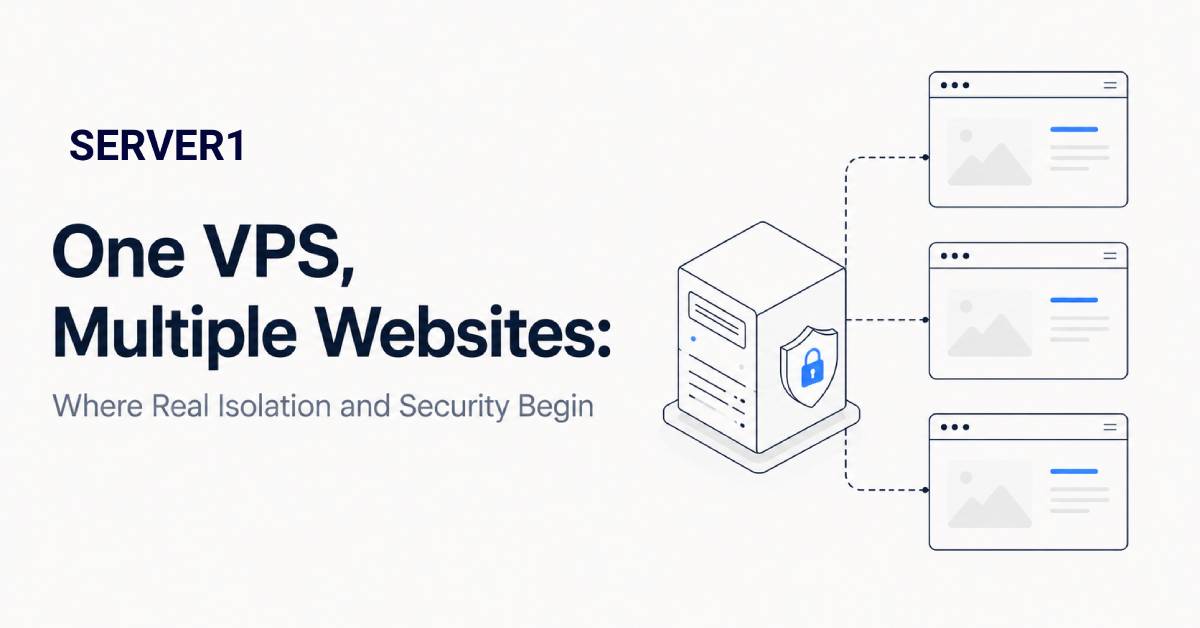
Imagine this: five websites share one VPS. An old WordPress plugin on one of them is vulnerable and an attacker manages to upload a file. At that point, the important question is no longer “how powerful is the VPS?” It is how far can the attacker move from that one website?
In a well-designed environment, the answer should be: not very far. In a poorly designed one, a problem on one site can quickly become a problem for every site on the server.
If you are comparing this with shared hosting, our article on shared-hosting security helps explain why isolation boundaries differ between hosting models.
What happens when all five sites share one user
If every project runs under one system user with broad file permissions and shared credentials, there is effectively little isolation. A compromised process may be able to read neighbouring configuration files, discover database credentials or modify other sites.
That does not mean “multiple sites on one VPS is bad.” The issue is the architecture, not the fact that the VPS is shared by your own websites.
Build isolation in layers
- Separate users or subscriptions. Each website should run with its own permissions.
- Minimal file permissions. A web process should not access files it does not need.
- Separate database credentials. One site's database account should not automatically reach other databases.
- Process separation. Configure PHP or application processes so one project has less ability to affect another.
- An independent backup copy. If an attacker can delete the only backup from the same VPS, it is not much of a recovery plan.
For WordPress environments, isolation should be paired with malware detection; our Imunify360 and malware-protection overview covers that layer.
Four red flags
- the same administrative password is reused across client websites;
- every site lives under one system account;
- CMS and plugin updates are delayed for months;
- the only backup is stored on the same VPS.
If two or more of these are true, I would fix the operating model before buying more CPU or RAM. For broader hardening context, see our Server Security article.
If these websites belong to different clients and you do not need root-level flexibility, Reseller Hosting can be a more natural operating model, with separate client accounts and centralised Plesk management.
When one VPS stops being the right boundary
Even good isolation does not mean every workload belongs on the same machine forever. A high-traffic site, a client with stricter security requirements and a revenue-critical online store may be better separated onto different VPS instances.
Resource contention matters too. A badly behaved cron job or a traffic spike can still consume CPU or memory. Monitoring and sensible resource controls are therefore just as important as file permissions.
Hosting several websites on one VPS can be perfectly reasonable. But “same server” should not mean “same security boundary.”
If you want help with the system layer, a managed VPS can reduce operational work, while application isolation and code security still need their own deliberate process.