

 Language

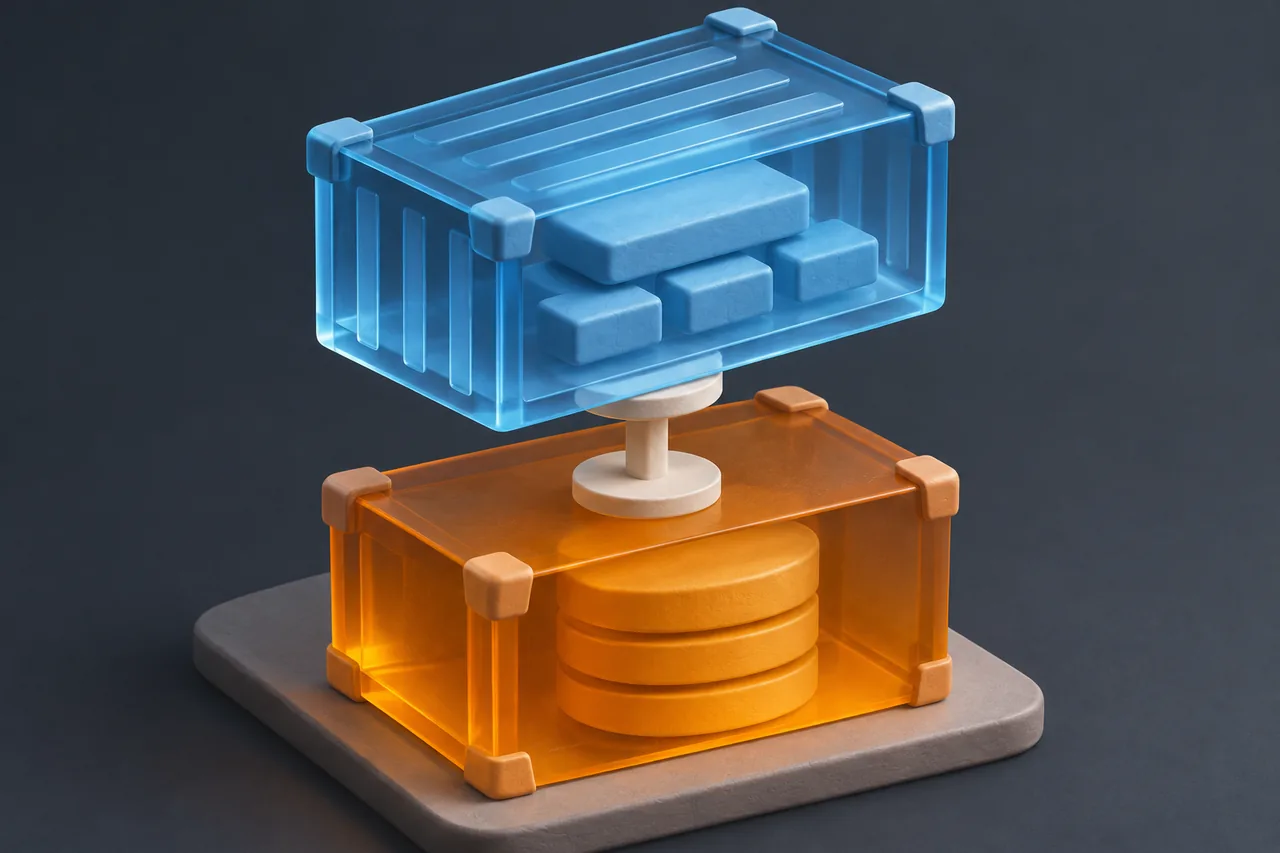
Replacing a container and recreating its data should be separate decisions. Before deploying a new application version, know where uploaded files, databases and other important state live. Docker does not remove that responsibility. A software environment designed for quick replacement makes clear data boundaries especially valuable.
A small local laboratory is a useful way to understand those boundaries. What follows is an exercise plan and expected observations, not a production command sequence. Use artificial data in an environment you own and can discard. A few text records are enough; copying customer files into the exercise adds risk without improving the lesson.
The laboratory question
If I replace the application container, which data remains, where will I find it, and how will I establish that it is correct?
Draw three parts before starting: the application image, the running container and the separately defined data store. Give each file a role. Example configuration, disposable cache and an uploaded customer document do not have identical persistence needs. Accidentally placing everything in one directory makes the eventual recovery plan harder to explain.
Stage A - identify the storage location
Place one artificial record in the container's ordinary writable layer and another in the deliberately attached data store. Record the exact names and purposes in your laboratory notes. The official Docker volume documentation describes storage with a lifecycle separate from an individual container. That separation does not itself establish a backup or a copy on another physical machine.
If you use a bind mount, record the actual host directory and permissions separately. Do not assume an equivalent path exists when moving the project elsewhere. Keep a readable map: which path contains which data, who writes there, and which material must remain outside public web directories.
Stage B - replace only the laboratory container
Preserve the data volume while replacing the application container. Connect the replacement to the same test store. Check record contents rather than merely checking that a directory exists. An empty directory is not evidence of successful recovery, and a differently named volume may represent entirely different data.
An incorrect mount location can make existing files appear missing. Verify the mapping and current state before deleting or restoring anything. Even in a laboratory, change only resources belonging to the exercise. Broad cleanup or prune operations are poor teaching shortcuts when their complete effect is unknown.
Stage C - test restoration separately
Now ask what happens if the entire VPS disappears. A volume left on that machine does not cover this scenario. You need an independent copy, secure access to it and a restoration sequence. Restore the artificial copy into another empty environment and establish that the application reads it while the original store remains unchanged.
For databases, copying live files is not automatically a consistent backup method. Select a method appropriate to the actual database and version, with its own documented procedure. Keep real email delivery, payment and automatic service creation disabled during the exercise, even if the restored interface looks familiar and works normally.
What should remain after the exercise?
- A short data map with an owner for every store.
- Test records checked before and after replacement.
- Restoration steps, required access and observed duration.
- A separate list of anything not yet verified.
The value is that persistent becomes an observed behaviour rather than a hopeful label. The conclusion still applies only to the tested environment. Another driver, host or backup policy needs its own checks; a successful laboratory does not silently guarantee an untested production system.
For permissions and networking, read running Docker safely on a VPS. Use our backup questions to clarify service conditions. Alongside an unmanaged VPS, decide who operates volumes, copies and restoration.