Language
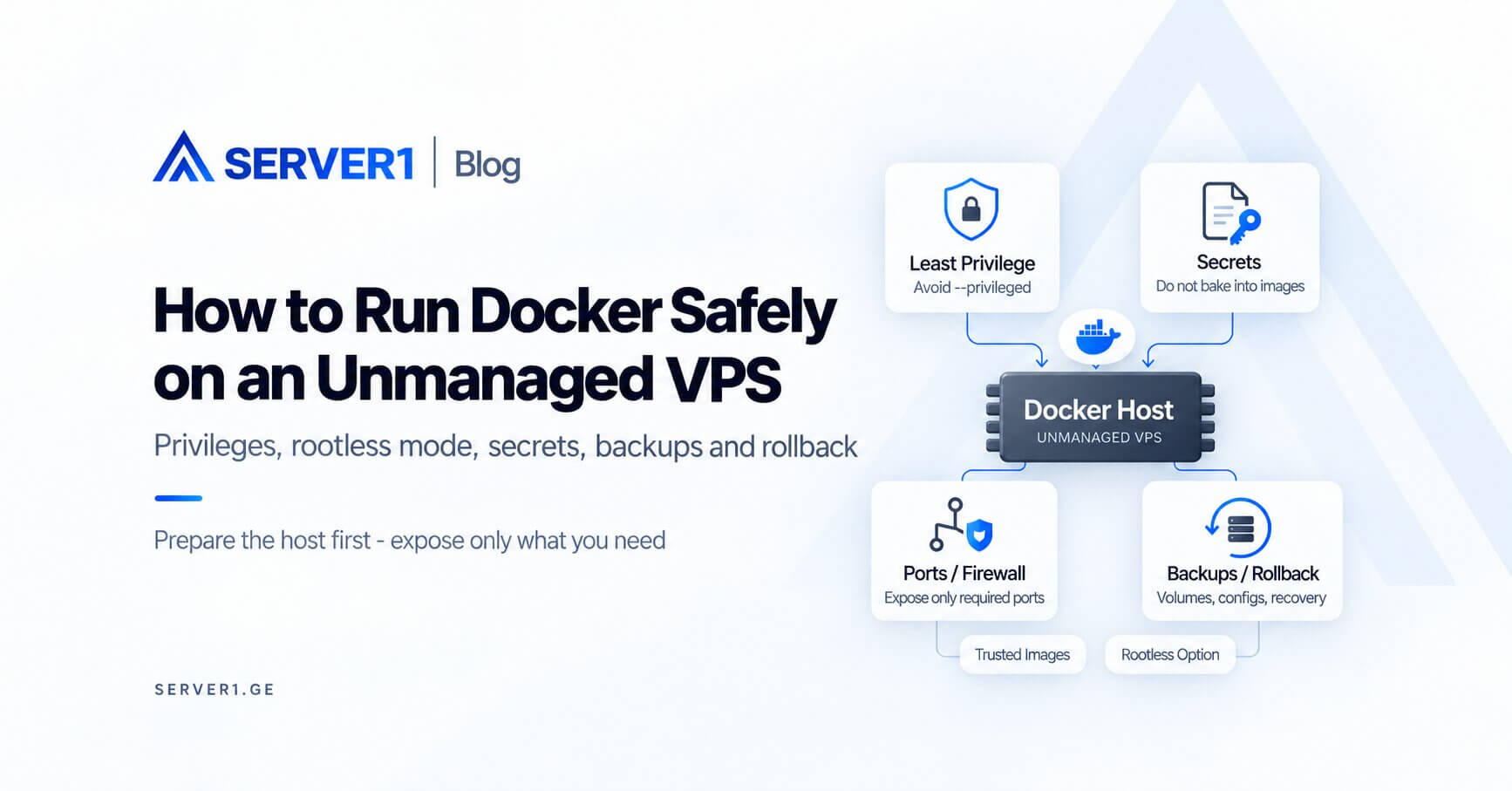
Running Docker safely on an unmanaged VPS starts before the first `docker run`. Prepare the host, control image sources, protect secrets and avoid unnecessary privileges. Containers provide useful isolation, but they do not compensate for an outdated or poorly secured host.
Preflight - prepare the host first
- keep Linux and Docker Engine updated;
- use SSH keys and a deliberate firewall policy;
- expose only required public ports;
- include persistent volumes in backup planning;
- configure log rotation and disk monitoring.
the hosting security overview provides the defense-in-depth context. For host-level controls, see the server-management tools guide.
Treat images like dependencies
Use trusted registries or publishers. Pin versions or digests where reproducibility matters. Avoid building production change control around a floating `latest` tag.
Privileges to avoid by default
- `--privileged`;
- broad host filesystem mounts;
- the Docker socket in ordinary application containers;
- secrets baked into images;
- host networking used only for convenience.
Compose is not an operations policy
Compose describes services, networks and volumes. Monitoring, backups, update cadence, log retention and rollback still need separate processes.
Map public exposure
| Service | Public? | Typical approach |
|---|---|---|
| Reverse proxy | Yes | 80/443 |
| Application | Usually no | internal Docker network |
| Database | Usually no | private/internal network |
SERVER1 Unmanaged VPS fits teams that want full Docker-host control. For general VM options, see SERVER1 VPS. With managed service, verify whether Docker workloads are actually included in the support scope.
Containerization simplifies packaging and deployment, but it does not manage host security and recovery for you.
Threat model: who can control the Docker daemon?
The Docker daemon is a highly privileged component. A user who can control it can create containers, mount host paths and perform other powerful operations. Adding someone to the `docker` group is therefore not merely a convenience decision - it is a security decision.
When is Rootless Docker worth considering?
Rootless mode runs the daemon and containers inside a non-root user namespace, reducing host-level privilege. It is not automatically right for every workload - validate networking, low-port requirements, storage drivers and tooling compatibility - but it can be especially attractive for developer or staging systems.
Secrets: an environment variable is not always the final answer
Do not bake secrets into images or commit them to a repository. Use an appropriate runtime secret mechanism or an external file with minimal permissions. Remember that environment variables can sometimes surface through debugging or operational tooling.
An image is not a backup
| What must be recoverable | Recovery source |
|---|---|
| Application image | registry/build pipeline |
| Persistent database data | tested backup |
| User uploads | volume/object-storage backup |
| Compose/config | version control / secure config store |
| Secrets | separate secret-management process |
Update runbook: “pull and restart” is too short
- review image changelog and security notes;
- back up state you cannot recreate;
- run the new image in staging;
- verify health checks and migrations;
- after production deployment, watch logs, restart counts and latency;
- keep the previous image or digest available for fast rollback.