Language
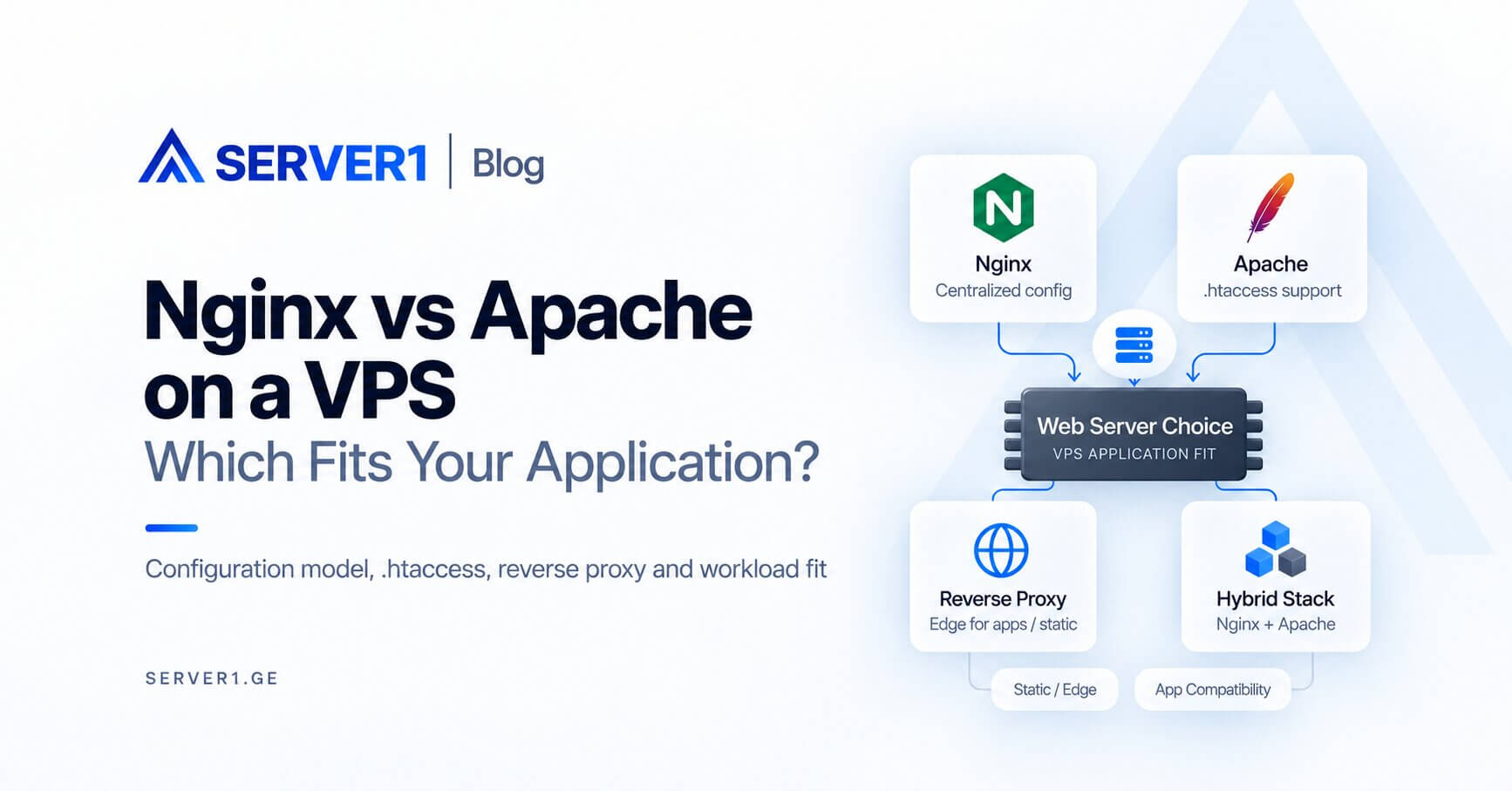
Nginx and Apache are both production-grade web servers. The useful choice should not be based on slogans such as "Nginx is faster" or "Apache is easier." What matters is your stack, configuration model and the web server your team can troubleshoot confidently.
Nginx vs Apache - practical comparison
| Area | Nginx | Apache |
|---|---|---|
| .htaccess | Not used | Supported |
| Reverse proxy | Very common | Also supported |
| Static content | Simple, efficient model | Handles it well |
| Configuration | Mostly centralized | Central plus directory overrides |
For WordPress
Both can support a fast WordPress deployment. PHP-FPM, caching, database behavior and application quality often matter more than the web-server brand. Use the WordPress optimization guide to evaluate the whole stack.
For Node.js or Python
Nginx is commonly used as a reverse proxy in front of a local application server. Apache can do the same. Prefer the configuration your team can operate and troubleshoot reliably.
When I would not migrate just to use Nginx
- the current Apache setup is stable;
- the application relies on `.htaccess`;
- no measurable bottleneck has been identified;
- the actual issue is PHP or the database layer.
the VPS fundamentals article and the VPS advantages guide explain the control a VM gives you. On Unmanaged VPS you choose the stack yourself; with Managed VPS, confirm the supported web stack first.
The best web server is the one your team can configure, monitor and recover consistently.
A better decision method: map the request path
If a request passes through a CDN, then Nginx, then PHP-FPM and finally a database, the web server is only one layer. Before migrating, draw the request path and identify the measured bottleneck. Many migrations fail this test: the web server changes while the slow database query remains untouched.
Four common workloads and what I would evaluate first
| Workload | First consideration | Why |
|---|---|---|
| WordPress with existing .htaccess logic | Apache or the existing hybrid stack | measure the migration benefit first |
| Node.js/Python reverse proxy | Nginx is often a natural edge | Apache proxying is also valid |
| Control-panel environment | the panel's supported architecture | manual changes should not fight generated config |
| Heavy static traffic | cache/CDN plus the web server | a server swap alone may be secondary |
How to benchmark without fooling yourself
- use the same VPS resources and application version;
- prepare cache state consistently;
- measure static, cached dynamic and uncached dynamic requests separately;
- track p95 latency, CPU and memory - not only requests per second;
- review production-like logs and errors after the test.
If the advantage appears only in a synthetic benchmark while real TTFB is unchanged, migration cost may exceed the benefit. Changing a web server is not an SEO project by itself; users care about fast, reliable responses.
A hybrid architecture can be the right answer
In some control-panel environments, Nginx can serve as the front-end reverse proxy while Apache remains behind it. This preserves Apache-compatible behavior while adding an Nginx edge layer. The important operational detail is knowing which configuration is authoritative so panel regeneration does not erase manual changes.