Language
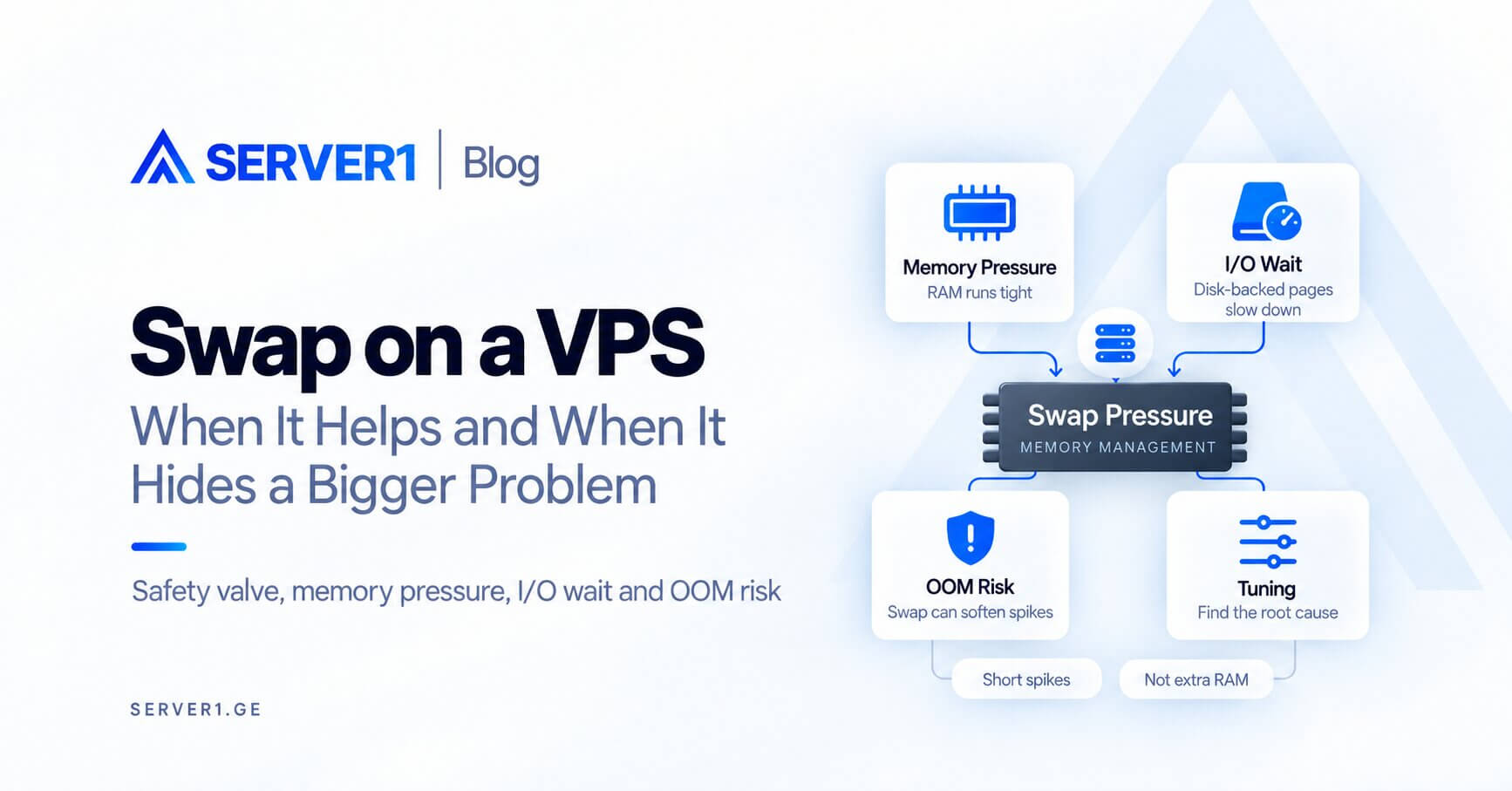
Swap is a useful safety valve on a VPS, but it is not a replacement for RAM. Small or occasional swap usage can be perfectly normal; constant swap-in/swap-out, high I/O wait and rising latency often indicate that the workload exceeds physical memory or memory tuning is poor.
The idea in plain language
Under memory pressure, Linux can move less-active anonymous pages to disk-backed swap and keep RAM available for more active data. Storage is far slower than RAM, so swap is not a performance feature - it is a pressure-management mechanism that can reduce the chance of abrupt OOM events.
For PHP workloads, our PHP-FPM memory-tuning guide helps identify excessive worker memory. For databases, see the MySQL/PostgreSQL RAM-planning article.
Diagnostic flow
- `free -h`: is swap merely allocated or actually growing?
- `vmstat`: are `si` and `so` continuously active?
- I/O wait: does paging correlate with latency?
- Process memory: which process is consuming memory?
- OOM logs: has the kernel already killed processes?
Common swap patterns
| Pattern | Interpretation | Action |
|---|---|---|
| some swap used, si/so near zero | inactive pages | not automatically a problem |
| swap grows quickly | memory pressure | inspect processes/workload |
| swap + high iowait + latency | thrashing risk | review RAM/tuning/limits |
| OOM kills despite swap | pressure is severe | capacity or memory leak |
swappiness: there is no universal magic number
Linux `vm.swappiness` uses a 0-200 range and expresses the relative I/O cost of swapping versus filesystem paging; the default is 60. The right value depends on workload and the swap device, so blindly copying “set it to 1” advice is weaker than measuring real paging behavior.
When should you add RAM?
If normal workload continuously forces swapping, response latency rises and tuning cannot create headroom, a larger VPS is the real fix. On Unmanaged VPS, swap and memory tuning remain your responsibility.
the VPS fundamentals guide provides the wider resource context.
Swap is useful as a pressure buffer and home for less-active memory; it is a poor substitute for RAM required by the everyday workload.