Language
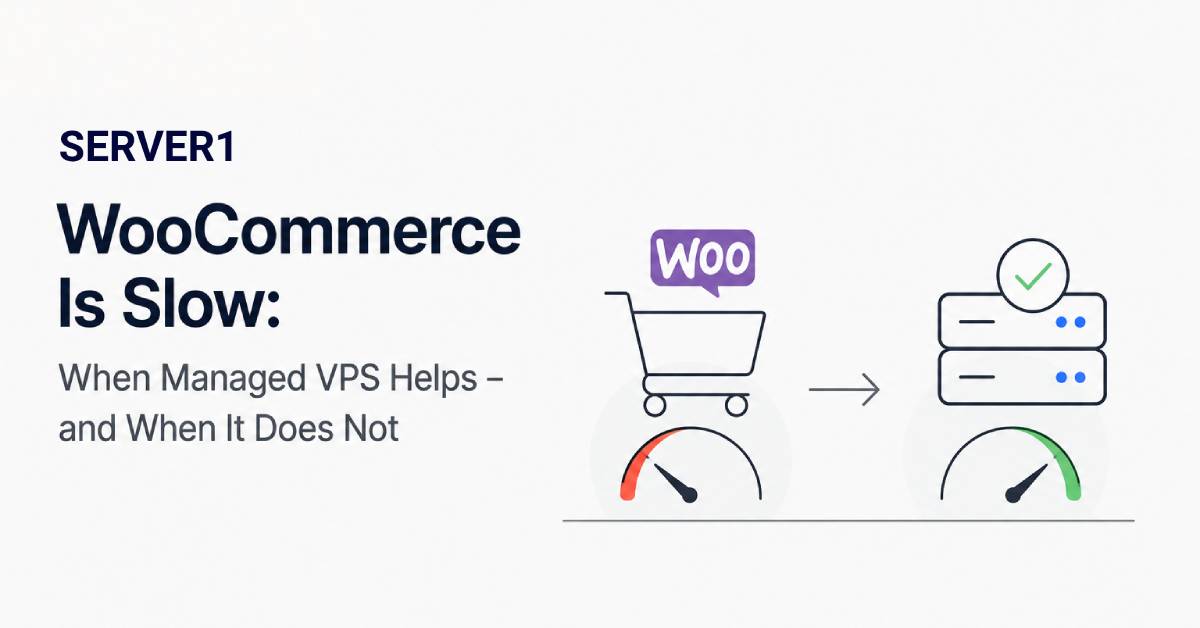
It is 8 p.m., the campaign is performing well, visitors are arriving - and checkout suddenly becomes slow. The easiest conclusion is “the VPS is too small; buy more RAM.” Sometimes that is correct. Often it is not.
WooCommerce performance is the result of several layers. Managed VPS helps most when the bottleneck sits in the infrastructure or web stack. If the real cause is a bad plugin or a slow payment API, adding server resources does not remove it.
If the problem currently exists on shared WordPress hosting and a VPS is not automatically necessary, compare optimised WordPress Hosting with Managed VPS; the choice should follow traffic and workload.
First question: which pages are actually slow?
- Everything is slow - inspect server load, database, disk, network and broad application issues;
- Only cart/checkout is slow - think dynamic PHP/database work or external gateways;
- Only the admin area is slow - inspect background jobs, plugins and database queries;
- Only the first request is slow - caching, DNS/TLS and application warm-up may matter.
For broader performance troubleshooting, start with our guide on making a website faster; its frontend and hosting factors provide a useful baseline for WooCommerce diagnosis.
Diagnose the problem in three layers
Layer 1 - Infrastructure
Review CPU, memory, swap, disk latency, database health and PHP workers. If resources are genuinely exhausted during peaks, VPS sizing or configuration is part of the problem. This is where a managed provider can add real value through monitoring, web-stack support and system-level diagnosis.
Layer 2 - WordPress/WooCommerce
Inspect the theme, plugins, autoloaded options, cron/background work, database queries and caching. A powerful server does not magically fix an inefficient plugin. For more ideas, see our article on WordPress optimisation and loading speed.
Layer 3 - External services
A payment gateway, shipping API, ERP, CRM, remote script or third-party analytics service may delay the request from outside your VPS. The server can be almost idle while the application waits for another service to respond.
If the report is simply “the site feels slow,” also rule out Core Web Vitals issues: our LCP/CLS overview helps separate perceived frontend speed from server-side bottlenecks. The article on key website metrics is useful for measurement as well.
Where managed VPS actually saves time
| Problem | Can managed VPS help? |
|---|---|
| Web server or service has stopped | Often yes, depending on scope |
| Initial RAM/CPU bottleneck diagnosis | Often yes |
| Bug in a custom WooCommerce plugin | Usually a developer issue |
| Slow payment gateway | The server provider cannot fix the external cause |
| Backup/restore | Only if explicitly included |
Four measurements I would collect before upgrading
- peak CPU and memory use;
- PHP worker/process queue behaviour;
- the slowest database queries;
- request timing - time spent on the server versus external calls.
At that point an upgrade becomes an evidence-based decision rather than a guess.
For a growing store, a managed VPS can be an excellent step, especially when the team wants to offload system administration. Just keep the hosting layer and application layer distinct: fast WooCommerce usually requires both to work well.